
Meta quest 3 vs quest 2 is a practical question if you want better visuals and mixed reality but don’t want to pay extra just for hype. The short version is this: Quest 3 is the more modern headset with clearer optics and a noticeably stronger chip, while Quest 2 still does the core VR job well if your budget matters more than bells and whistles.
Why this comparison matters is timing. Many people already own a Quest 2, see new games and updates, and wonder if they’re missing out. Others are buying their first headset and don’t want to regret picking the “older” model. The decision can be simple, but only after you get clear about what you actually do in VR: fitness, social, productivity, or mostly games.
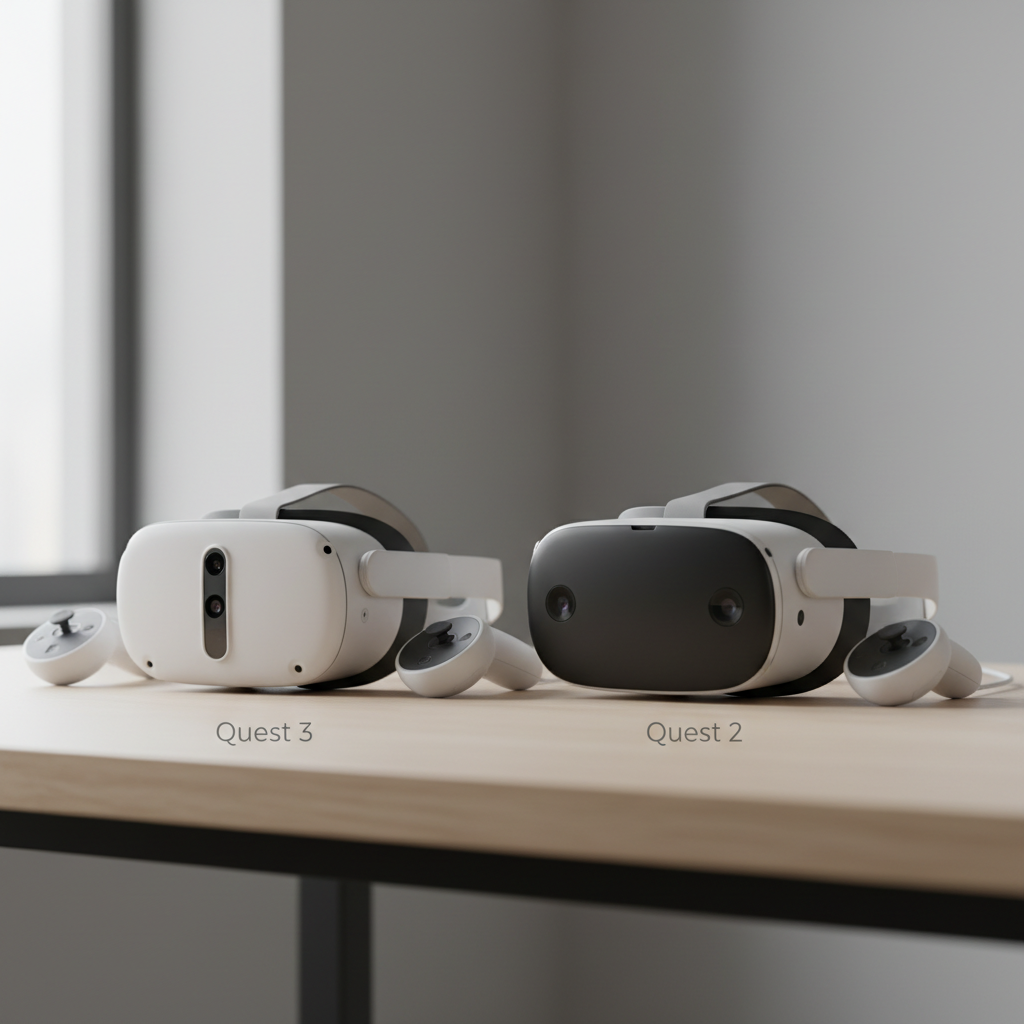
One quick misconception: people often reduce it to “new equals better.” In VR, comfort, lenses, and how you plan to use passthrough can matter more than raw specs. Below, we’ll break down differences you’ll actually feel, then finish with a simple checklist and a few buying scenarios.
Quick comparison table (what most buyers care about)
If you just need a fast scan, this table covers the usual decision points. Keep reading for the real-world implications behind each row.
| Category | Quest 3 | Quest 2 |
|---|---|---|
| Visual clarity (lenses) | Pancake lenses, clearer edge-to-edge in many cases | Fresnel lenses, more glare/sweet-spot management |
| Performance headroom | Newer Snapdragon XR-series platform (more overhead) | Older XR platform, still solid for most standalone VR |
| Mixed reality (passthrough) | Better color passthrough and MR focus | Basic passthrough, more “utility” than “feature” |
| Comfort & balance | Often feels slimmer, but strap choice still matters | Proven fit, can feel front-heavy for some users |
| Best for | Visual upgrade seekers, MR curious, long-term buyers | Budget-first, casual VR, first-time headset buyers |
Biggest real-world differences (not just spec-sheet talk)
In a meta quest 3 vs quest 2 decision, the “felt” upgrades usually come down to optics, performance overhead, and how much you value mixed reality versus pure VR.
1) Lenses and visual comfort
Quest 3’s pancake lenses are the headline for a reason. Many people find text easier to read and the image stays clearer as your eyes move, so you spend less time hunting for the perfect sweet spot. It’s not magic, but it’s the kind of upgrade you notice in menus, productivity apps, and any game with lots of distant detail.
Quest 2 can still look good, but Fresnel lenses tend to show more glare and are pickier about positioning. If you share the headset with family members, that “re-adjust every time” friction can matter more than you’d expect.
2) Performance headroom for newer games
Quest 3’s newer chip generally gives developers more room for sharper textures, smoother effects, and better frame stability. You may not see every game transformed overnight, but you’re buying more runway for the next couple years of standalone releases.
Quest 2 remains highly supported, yet some newer experiences may offer enhanced modes or simply feel more consistent on newer hardware. If you’re sensitive to stutter, this point can tip the decision.
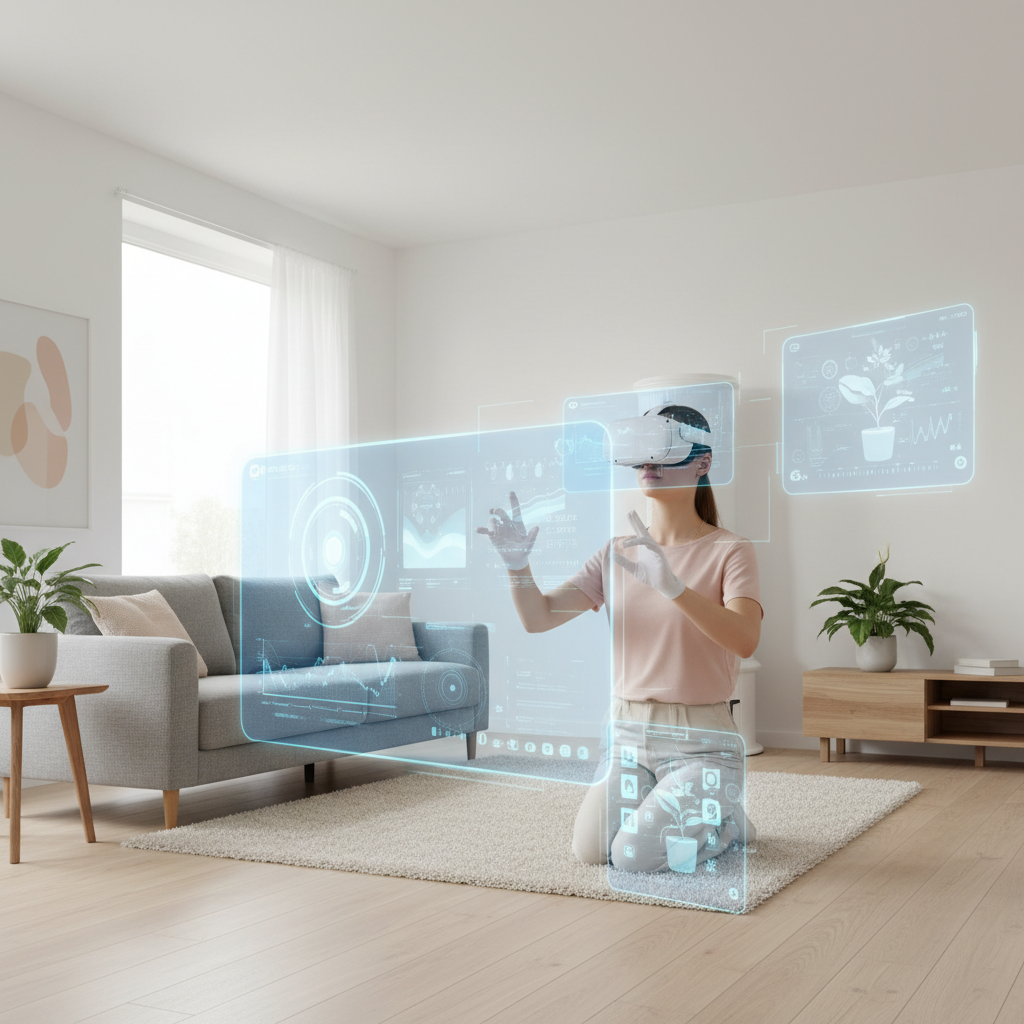
3) Mixed reality: useful or gimmick?
This is where the gap can feel biggest. Quest 3’s improved passthrough makes MR genuinely usable for setup, quick multitasking, and MR apps that rely on seeing your room clearly. If you like the idea of pinning screens in your kitchen, checking messages while staying aware, or trying MR games, Quest 3 is simply built more for that.
Quest 2’s passthrough works, but it’s commonly treated as a “safety and boundary” tool rather than something you want to spend time in. If you mostly play fully immersive VR games, you may not care.
4) Controllers and tracking feel
Both headsets offer reliable inside-out tracking for most use cases. The bigger practical difference is how the controllers feel in your hands and how confident you feel in fast movements. If you play rhythm games or competitive shooters, comfort and grip can matter as much as headset specs.
Also worth remembering: your play space and lighting often influence tracking quality more than the headset generation. If you have dim rooms or lots of mirrors, either device can struggle until you adjust the environment.
Key takeaways (fast decision cues)
- If you want a noticeable clarity upgrade and plan to keep the headset for years, Quest 3 usually makes more sense.
- If cost matters most and you mainly want solid standalone VR, Quest 2 still delivers.
- If mixed reality sounds exciting, Quest 3 is the safer bet.
- If you already own Quest 2 and play casually, upgrading may feel optional rather than urgent.
Self-check: which headset fits your situation?
Use this as a quick filter. You don’t need to “win” every bullet for one side, just notice which column describes you more often.
You’ll likely be happier with Quest 3 if…
- You get eye fatigue from blur or spend time reading text in VR.
- You’re buying your first headset and want the more future-proof pick.
- You’re genuinely curious about mixed reality, not just gaming.
- You play graphics-heavy standalone titles and care about smoother performance.
Quest 2 still makes sense if…
- You’re trying VR for the first time and want the lowest-risk entry price.
- You mostly play a few staple games and don’t chase new releases.
- You already own accessories for Quest 2 and want to keep the setup simple.
- You’re comfortable buying a previous-gen headset knowing it may have less headroom later.
Practical buying advice (3 common scenarios)
This is where meta quest 3 vs quest 2 becomes less about specs and more about your habits.
Scenario A: “First headset, I just want it to be good”
If budget allows, Quest 3 is typically the cleaner recommendation. The optics improvement alone can reduce the learning curve for new users, and mixed reality features make everyday use less intimidating, especially during setup and room scanning.
If you’re unsure you’ll stick with VR, Quest 2 can still be a sensible starter. Just be honest about your tolerance for older optics and the chance you’ll want to upgrade sooner.
Scenario B: “I own Quest 2, do I upgrade now?”
Upgrade tends to feel worth it when you’re bothered by lens glare, you play often, or you want mixed reality. If you use VR once a month, the jump can feel more like a luxury than a necessity.
A middle-ground approach many buyers take: spend on comfort first (a better strap, facial interface), then revisit the upgrade when a must-have title or feature arrives.
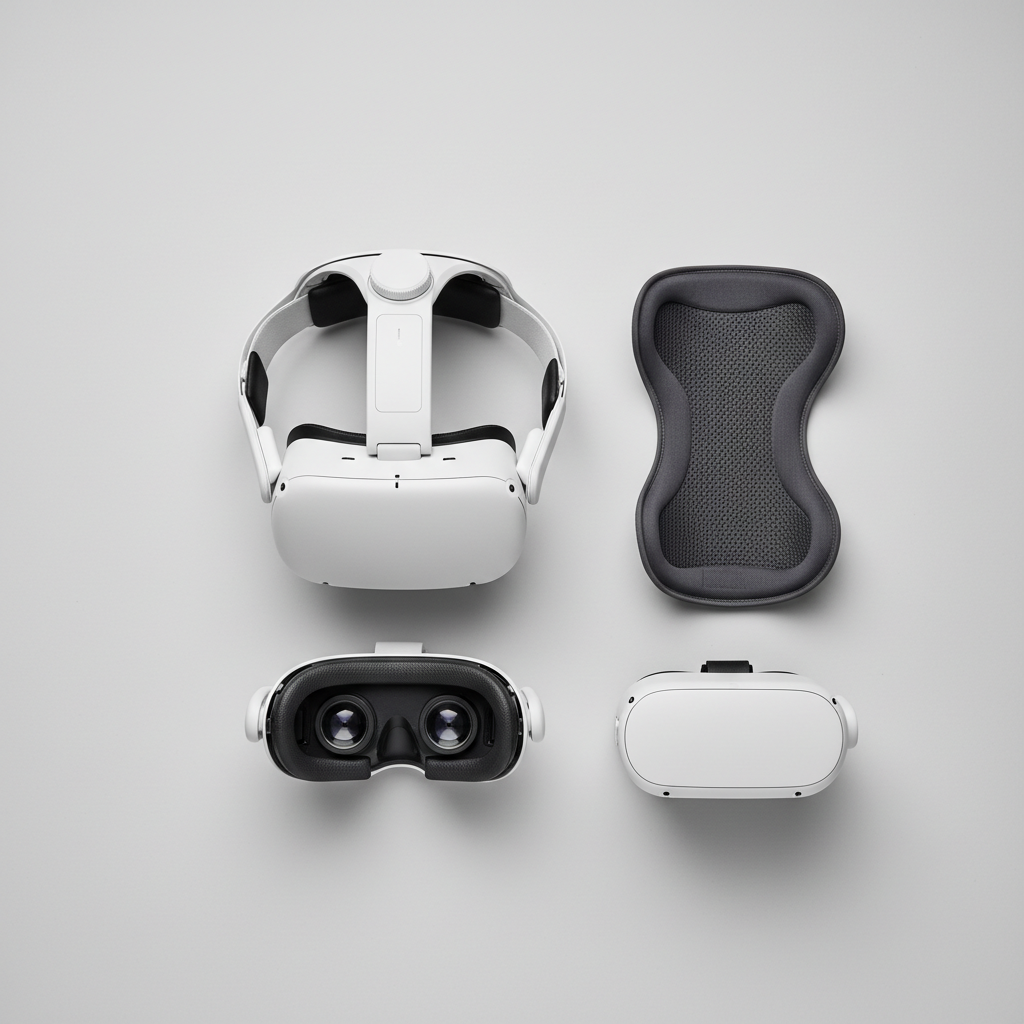
Scenario C: “I care about fitness and longer sessions”
Comfort and stability matter more than raw power here. Either headset can work well, but plan to budget for a strap that locks the headset down during movement and helps balance weight. For many users, a comfort upgrade changes day-to-day satisfaction more than a spec bump.
Also, if you’re prone to motion sickness, better clarity and stable frame pacing may help, but it varies by person. If symptoms are frequent or severe, it’s reasonable to consult a healthcare professional.
Common mistakes to avoid
- Over-indexing on resolution numbers: lens quality and fit often matter more than a spec line.
- Ignoring comfort costs: many people end up buying a better strap, so include that in your mental budget.
- Assuming MR is automatically valuable: if you never want to see your room, you may not use it.
- Skipping environment setup: lighting and reflective surfaces can impact tracking on both headsets.
When it’s worth getting more guidance
If you’re buying for a child, sharing across a family, or managing headaches and nausea, a quick in-store demo or return-friendly retailer can be more important than picking the “right” model on paper. According to the American Academy of Ophthalmology, taking regular breaks helps reduce digital eye strain, which is a good habit for VR sessions too.
If you have a medical condition affected by visual stimuli, dizziness, or balance issues, you’ll want to be cautious and consider professional advice. VR comfort is personal, and no comparison chart can fully predict your experience.
Conclusion: which should you buy?
For most people shopping today, Quest 3 is the stronger long-term buy because the lenses, performance overhead, and mixed reality usability stack up in daily use. Quest 2 still earns its place when price is the main constraint or you want a straightforward entry into standalone VR without spending more than you need.
If you’re stuck, pick one simple action: write down your top two use cases, then decide whether clarity and MR matter enough to pay for them. That tends to cut through the noise fast.
FAQ
Is Meta Quest 3 worth it over Quest 2 for casual gaming?
Often yes if you play weekly and notice blur or glare, because clearer optics improve almost everything you do. If you play a couple times per month, Quest 2 may feel “good enough” for a while.
Will games look dramatically better on Quest 3?
Some titles can look noticeably sharper or run more smoothly, but it varies by game and updates. The more consistent upgrade tends to be lens clarity and overall comfort while viewing.
Does Quest 2 still get new games and updates?
In many cases yes, but support timelines can shift over time and by title. If you care about staying current without worrying about performance limits, newer hardware usually reduces that stress.
Which headset is better for mixed reality?
Quest 3 is generally the better MR pick because improved passthrough makes the feature usable beyond quick boundary checks. Quest 2 can do passthrough, but it’s less compelling for MR-first apps.
What matters more: storage size or headset generation?
Generation affects everyday experience more, but storage can become annoying if you juggle many large games. If you uninstall and reinstall often, smaller storage is workable, just less convenient.
Should I upgrade if I already own Quest 2 accessories?
Accessory compatibility and replacement cost can change the math. If your current setup is comfortable and you’re satisfied with visuals, you might wait; if you’re already planning to buy new comfort gear, that can be a natural moment to consider switching.
Is VR safe for long sessions?
Many people use VR comfortably with breaks, but discomfort, eye strain, or motion sickness can happen. If you experience persistent symptoms, reducing session length and consulting a professional is a reasonable step.
If you’re weighing meta quest 3 vs quest 2 and want a more “no-regrets” path, start by deciding whether you’re buying for occasional fun or for a hobby you’ll use weekly, then set a realistic all-in budget that includes comfort accessories.