
best vr headset for pc 2026 is really a question about fit: your GPU, your room setup, your tolerance for cables, and the kind of VR you actually play.
A lot of people shop VR like they shop monitors, higher resolution wins, end of story, but PC VR is messier, lenses, comfort, tracking coverage, software ecosystem, and even how quickly you get tired matter just as much.
This guide breaks down what matters in 2026, a short list of solid picks by scenario, plus a quick checklist so you can stop comparing spec sheets and buy with more confidence.
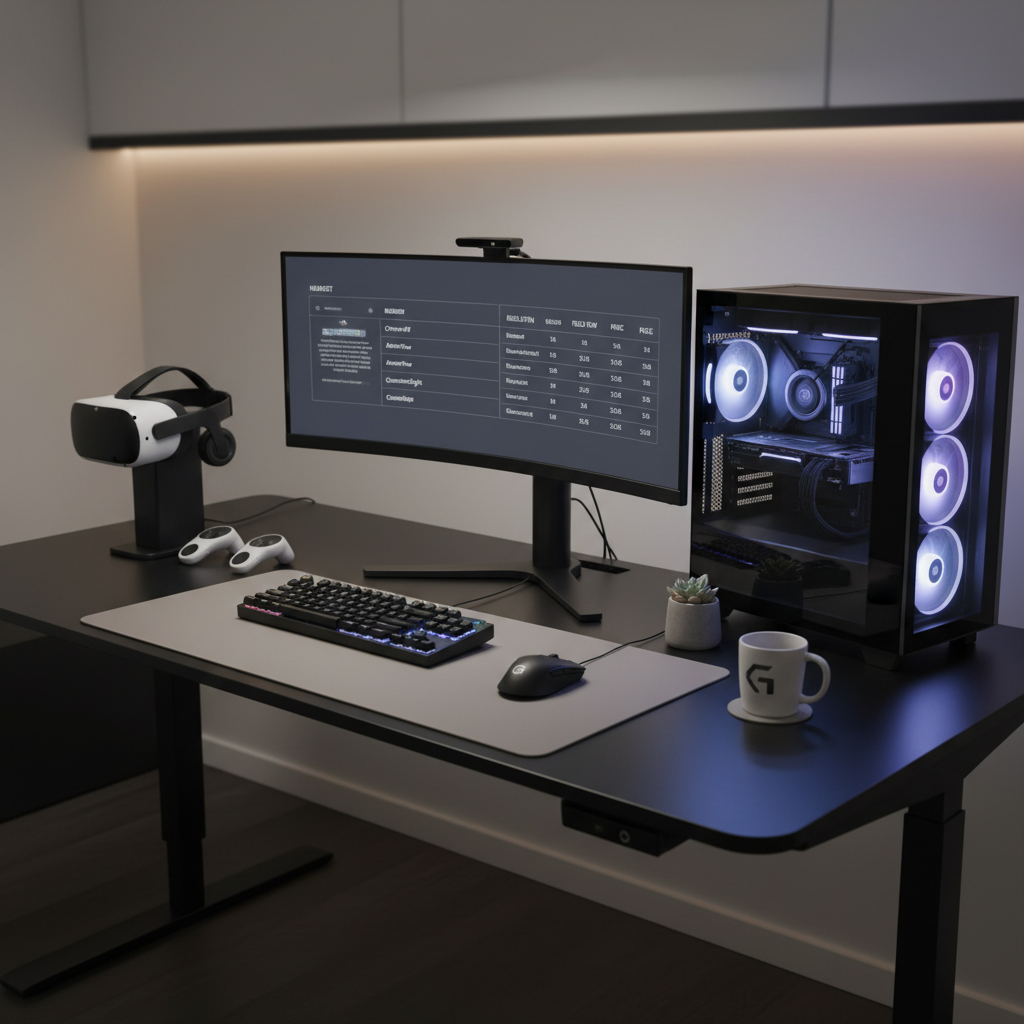
What actually makes a great PC VR headset in 2026
In 2026, the best experience usually comes from the balance of optics + tracking + comfort, not one headline number. Here’s what I’d weigh first.
- Lenses and clarity: Pancake lenses often look sharper edge-to-edge and reduce glare, but implementation varies by model.
- Resolution and refresh rate: Higher resolution helps cockpit sims and text-heavy games, while higher refresh can reduce perceived blur for fast motion. Your GPU has to keep up.
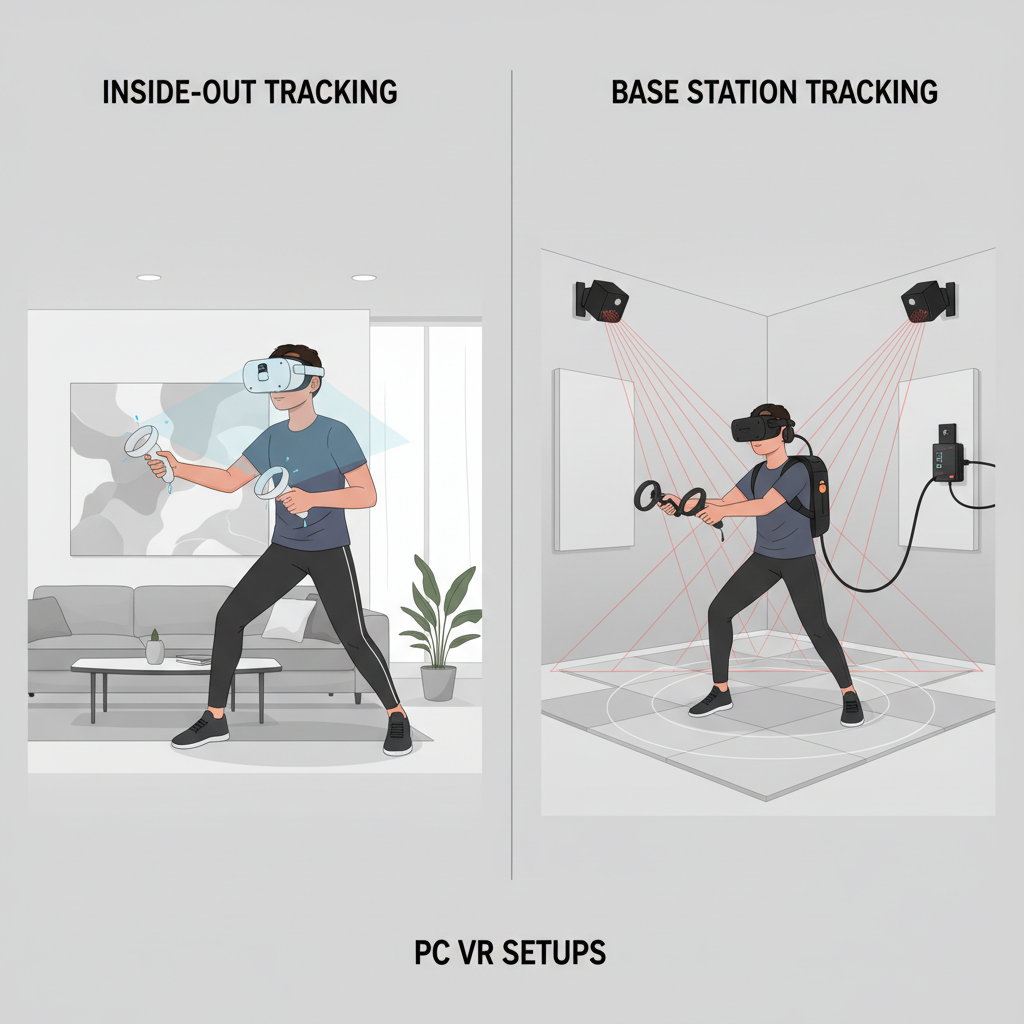
- Tracking style: Inside-out tracking is convenient, external base stations can still win for full-body and controller precision, but adds setup.
- Comfort over 60+ minutes: Weight balance, facial interface, and strap quality decide whether VR feels fun or like a workout.
- Connection method: DisplayPort or dedicated wired links often bring the most consistent PC VR, while wireless adds freedom but depends on your network and encoding quality.
- Software ecosystem: Most PC VR runs through SteamVR, but some headsets have extra layers, and that can affect stability and performance.
According to NVIDIA, VR performance depends heavily on consistent frame timing, not just average FPS, which is why “it runs” can still feel rough if your setup dips or stutters.
Quick comparison table: top PC VR picks by scenario
These are not “the only options,” they’re the models that tend to come up for good reasons, along with the trade-offs people usually feel after a week of ownership.
| Headset type | Best for | Why it works | Watch-outs |
|---|---|---|---|
| High-end PC VR (base stations) | VR enthusiasts, full-body, precise tracking | Excellent tracking volume, strong controller fidelity | More setup, higher total cost, room constraints |
| Premium inside-out PC VR | Most players who want “easy but sharp” | Fast setup, solid clarity, fewer cables and boxes | Controller tracking can degrade behind your back |
| Hybrid standalone + PC link | Value buyers, occasional wireless PC VR | Flexible, large ecosystem, often best price/perf | Compression artifacts possible on wireless/USB |
| Sim-focused high resolution | Flight/drive sims, reading instruments | Better text clarity and distant detail | Needs strong GPU, can be heavier on the face |
If your goal is simply “the best vr headset for pc 2026 for everything,” that usually translates to premium inside-out tracking unless you know you specifically want base stations or sims-first resolution.
Recommendations by budget and play style (how editors usually split it)
Rather than pretend there’s one winner, here’s how most real-world shopping decisions shake out.
If you want the cleanest “PC-first” experience
Look for headsets that offer a straightforward wired PC connection, stable SteamVR support, and strong optics. This category tends to feel the most “console-like” on PC, fewer moving parts, fewer surprises.
- Best fit for: people who primarily play on PC, hate troubleshooting, play a mix of action and room-scale titles
- Typical trade-off: you may give up some ecosystem perks (standalone apps, travel use)
If you want the best value with the most flexibility
Hybrid standalone headsets that can connect to a PC (wired or wireless) are still the common recommendation. For many households, this is the easiest way to get into VR without committing to a dedicated VR room.
- Best fit for: mixed use, casual and social VR, occasional PC VR upgrades later
- Typical trade-off: PC VR image quality can depend on compression settings, cable quality, and router performance
If you mainly play sims (flight, racing) and care about clarity
Sims reward resolution, lens clarity, and comfort in a seated setup. You can get away with less tracking coverage, but you’ll feel GPU limits immediately.
- Best fit for: seated play, HOTAS/wheel setups, long sessions
- Typical trade-off: you’ll likely need to tune render resolution and reprojection settings to keep it smooth
If you want top-tier tracking for full-body and competitive VR
Base-station tracking systems still make sense for people who already know they want full-body tracking, wide controller coverage, and consistent performance in larger play spaces.
- Best fit for: VRChat full-body, dance/fitness with lots of occlusion, high-precision use cases
- Typical trade-off: more hardware, more mounting, and more room planning
A quick self-check: which PC VR buyer are you?
This is the part many people skip, then end up returning a headset because it “didn’t feel right.” Answer these fast, and your shortlist gets obvious.
- Your GPU: Is it closer to “comfortable 90 fps” in modern games, or “barely hits minimum”? If you’re GPU-limited, chasing maximum resolution can backfire.
- Your space: Do you have a consistent 6 ft x 6 ft play area, or are you moving furniture every time?
- Your patience: Are you okay tuning bitrate, render scale, and USB settings, or do you want plug-and-play?
- Your sessions: 20 minutes at a time, or 2-hour nights? Comfort and heat buildup start to matter a lot.
- Your most-played titles: Beat Saber style rhythm, shooters, sims, social VR, each favors a different balance.
If you answered “small space, low patience, mixed games,” your best vr headset for pc 2026 choice is usually a premium inside-out option or a hybrid headset with a strong wired PC mode.
Setup tips that improve PC VR more than a spec upgrade
People love buying hardware, but PC VR often improves more from cleaning up the basics. These are the unglamorous fixes that tend to work.
- Use the right port: Plug into your dedicated GPU ports, not the motherboard video outputs, and avoid random adapters unless the headset vendor supports them.
- Stabilize USB: If you see dropouts, try a different USB controller/port, and keep power management from putting USB to sleep.
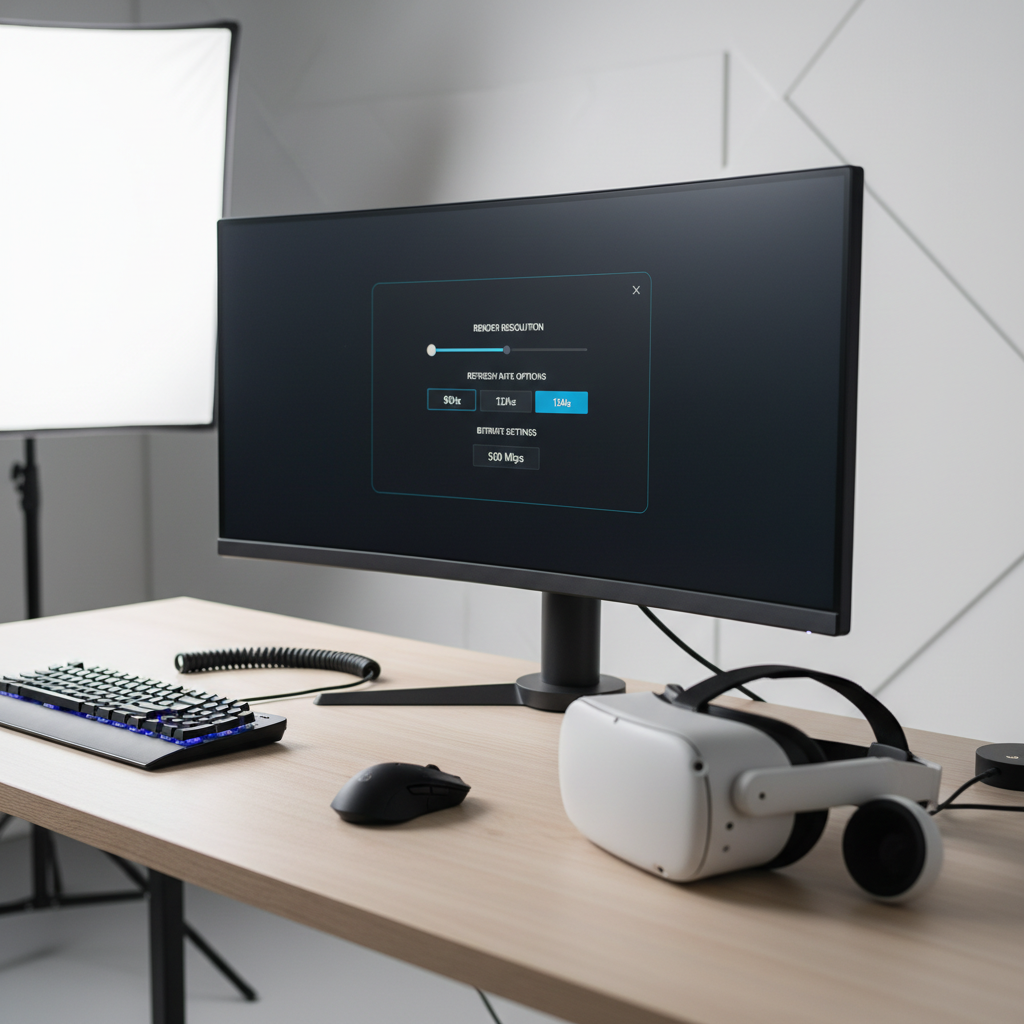
- Start with sane render scale: Set a conservative resolution first, confirm stable frame timing, then nudge quality upward.
- Wireless PC VR: A dedicated Wi‑Fi 6/6E router or access point near the play area often matters more than your internet plan.
- Room lighting: Inside-out tracking likes consistent lighting and visible features, blank white walls can be weirdly hard for cameras.
According to Valve, SteamVR’s tools like the frame timing graph help identify whether stutter comes from GPU, CPU, or reprojection, which is a better starting point than guessing.
Common mistakes when shopping PC VR (and how to avoid them)
Most returns and buyer’s remorse come from a few predictable misunderstandings.
- Assuming “highest resolution” equals “best image”: lens quality and compression can blunt the benefit, especially on wireless links.
- Ignoring comfort: a slightly worse panel that you can wear for 90 minutes beats a sharp headset that gives you face pain at minute 25.
- Forgetting total cost: base stations, audio straps, better facial interfaces, and prescription inserts can change the real price.
- Overbuying for your GPU: if you need to run everything at low render scale, you won’t feel the premium you paid for.
- Underestimating the ecosystem: controller mapping, runtime layers, and updates can be the difference between “it just works” and weekend troubleshooting.
Health, comfort, and safety notes (worth taking seriously)
VR can be intense, and comfort varies a lot by person. Motion sickness, eye strain, and headaches are all possible, especially during the first weeks or when frame rate is unstable.
- Ease in: shorter sessions and comfort settings often help you adapt.
- Adjust IPD: correct interpupillary distance reduces blur and eye fatigue.
- Take breaks: if you feel nausea or dizziness, stop and rest, and consider talking with a healthcare professional if symptoms persist.
- Clear your space: boundary systems help, but they’re not magic, remove trip hazards anyway.
According to U.S. Food & Drug Administration (FDA), some people may experience discomfort or other symptoms with VR use, so it’s sensible to follow manufacturer guidance and listen to your body.
Conclusion: choosing your “best” PC VR headset for 2026
The best vr headset for pc 2026 usually ends up being the one that matches how you play and how much friction you tolerate, not the one with the flashiest spec line. If you want the simplest path, start from premium inside-out PC VR. If you know you’re a sims person, prioritize clarity and comfort, then budget for the GPU headroom. If you’re chasing full-body and maximum tracking reliability, base stations still earn their keep.
Key takeaways:
- Clarity is optics + settings, not just resolution.
- Tracking choice should follow your space and play style.
- Stability beats peak specs for day-to-day enjoyment.
Pick two priorities, comfort and clarity, or tracking and wireless freedom, then buy within the limits of your PC. That decision alone saves most people hours of second-guessing.
FAQ
What is the best vr headset for pc 2026 if I only use SteamVR?
Look for a headset with stable SteamVR support and a straightforward PC connection path. In practice, that usually means a PC-first headset or a hybrid headset known for reliable wired PC mode, not just “it can connect.”
Do I need base stations for good PC VR in 2026?
Not necessarily. Inside-out tracking is good enough for a lot of room-scale gaming, but base stations still make sense if you care about controller coverage behind your body, full-body tracking, or larger spaces.
Is wireless PC VR worth it, or should I stay wired?
Wireless can feel amazing for active games, but image quality and latency depend on your network and encoding settings. If you dislike tinkering, wired is often the calmer experience.
What GPU do I need for a high-resolution headset?
It depends on the headset resolution, refresh rate, and the games you play. Many people get better results by targeting stable frame timing with moderate render scale instead of maxing everything out.
Why does my VR look blurry even at high resolution?
Common causes include incorrect IPD, a headset sitting too high/low on your face, lens fogging, or aggressive compression on PC link. Fixing fit and settings often makes a bigger difference than swapping hardware.
Which matters more for comfort, weight or strap design?
Both, but strap design and weight balance usually decide whether pressure lands on your face or distributes around your head. If you do long sessions, prioritize comfort accessories in your budget.
How do I reduce motion sickness in PC VR?
Stable performance, comfort movement options, and short sessions help a lot. If you keep feeling unwell, it’s reasonable to pause VR use and consider asking a medical professional for advice.
If you’re shopping and torn between two models, list your top three games, your GPU, and whether you want wired or wireless, and you’ll usually see which headset fits your life. If you need a more hands-off path, a PC-first inside-out headset with a proven setup flow is often the least stressful place to land.