
how to play phasmophobia in vr comes down to three things that make or break the experience: clean headset setup, controls you actually remember under stress, and comfort settings that keep you from tapping out mid-hunt.
If you tried VR once and quit, it’s usually not because the game is “too hard,” it’s because something small was off, room scale was wrong, push-to-talk was awkward, or you got motion sick before you even found the breaker. Fix those, and VR becomes the best way to play Phasmophobia.
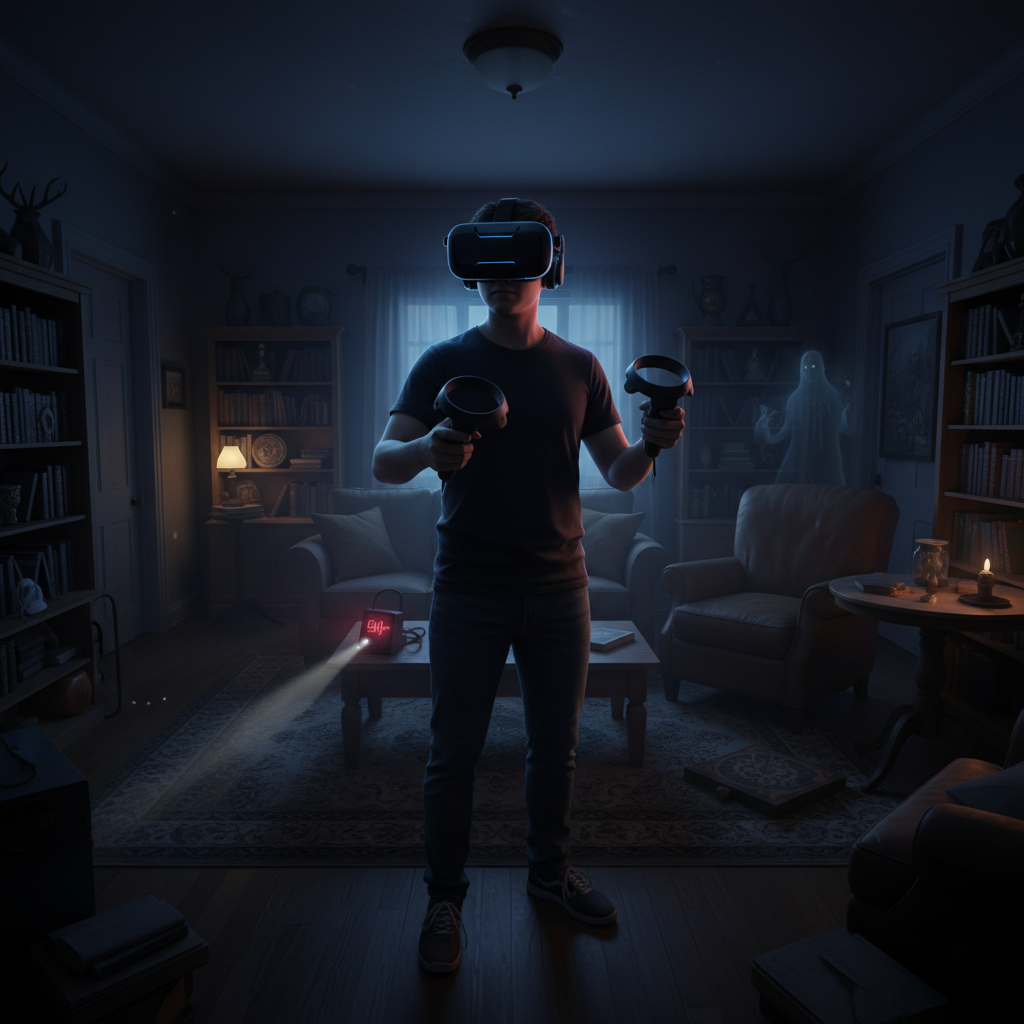
This guide walks you through practical setup, a quick checklist to diagnose issues, and real in-game habits that help you survive longer, communicate better, and feel less clumsy when the ghost gets loud.
VR requirements that matter (and what you can ignore)
You don’t need a “perfect” rig to start, but you do need a stable baseline. Stutters and tracking hiccups feel worse in VR than on a monitor, and in Phasmophobia they also make you panic faster.
Headsets and PC basics
Phasmophobia supports PC VR through SteamVR, so common headsets like Valve Index, HTC Vive, Meta Quest via Link/Air Link, and Windows Mixed Reality often work fine. The exact “best” headset depends on your budget and tolerance for wires, but the setup principles stay the same.
- Prioritize stable frame rate over max graphics, VR comfort usually improves more from consistency than prettier shadows.
- Use a wired connection when troubleshooting, Air Link or Wi‑Fi VR can be great, but it adds variables.
- Make sure SteamVR is updated, mismatched runtimes cause weird controller bindings and tracking behavior.
According to Steam Support, verifying game files and keeping Steam/SteamVR updated are common first steps when VR titles behave unpredictably.
Room setup: lighting and play area
Tracking problems often come from the room, not the headset. Reflective surfaces, low light, and cramped space can make your hands drift right when you need to place a crucifix.
- Moderate lighting works best, avoid pitch-black rooms and direct sunlight.
- Clear a small “safe zone” so you can turn and crouch without smacking furniture.
- If you use inside-out tracking, reduce mirrors and shiny TV screens in view.
Quick self-check: why your VR run feels “off”
If your first investigation feels janky, don’t brute-force it. Run this quick check and fix the obvious stuff before you blame the game.
- Hands misaligned or floating: recalibrate room/guardian, re-center view, check controller battery.
- Mic not working in multiplayer: confirm Windows input device, test push-to-talk keybind, check in-game voice test.
- Motion sickness hits fast: switch to snap turning, reduce smooth locomotion, lower movement speed.
- Everything is blurry: adjust IPD on headset, re-seat the headset, confirm SteamVR resolution scaling.
- Random stutters: drop shadows and volumetrics, close overlays, consider wired connection.
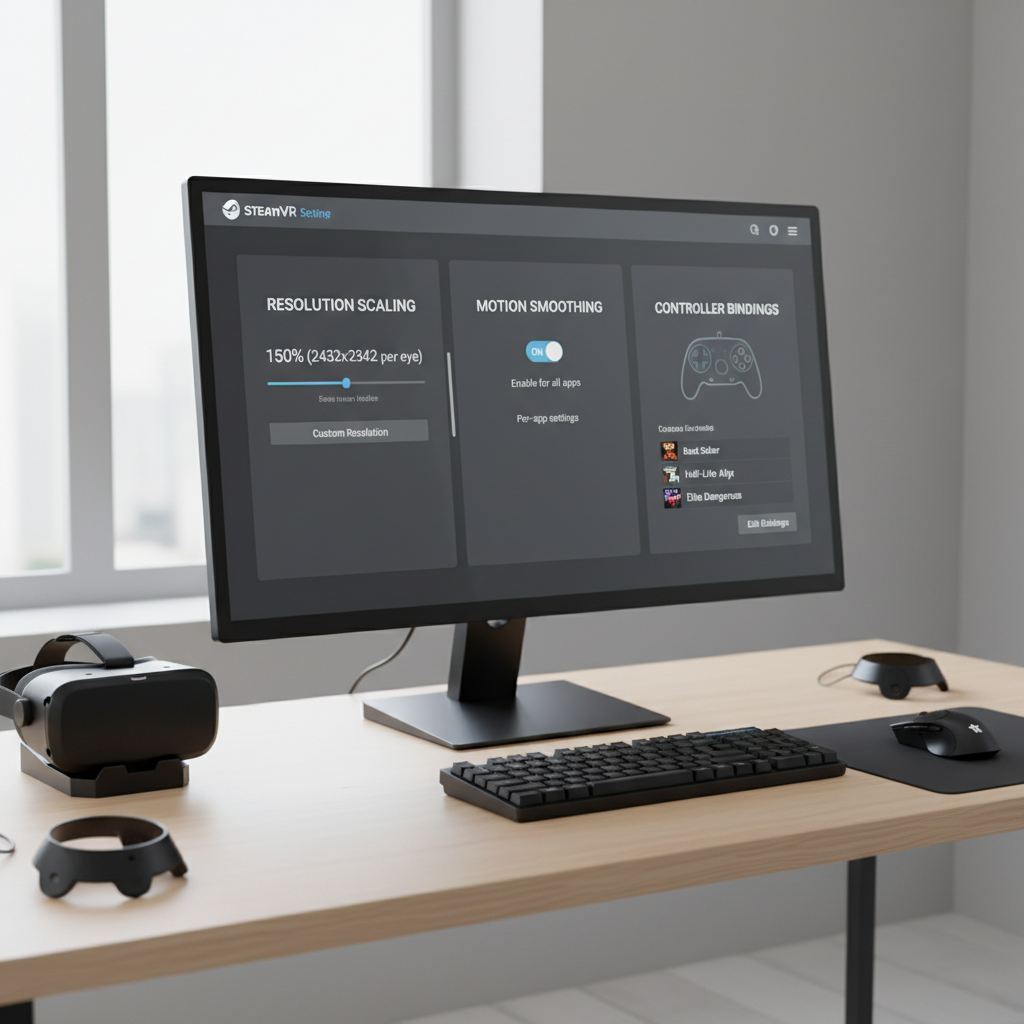
If you fix just one thing first, make it comfort movement. Most “VR is unplayable” complaints in Phasmophobia trace back to locomotion and turning settings that don’t match the player.
Best in-game VR settings for comfort (without ruining gameplay)
Comfort settings aren’t “cheating,” they’re what keeps you calm enough to gather evidence. VR fear hits harder, so you want controls that disappear in your hands.
Movement and turning
- Snap turning: start here if you get dizzy, then try smooth later.
- Smooth locomotion: fine for many players, but keep the speed modest at first.
- Teleport: useful if you’re sensitive, though it can slow down tight chases.
Height, crouching, and reach
Phasmophobia asks you to pick up items, place equipment, and reach door handles under pressure. If your height feels wrong, every interaction becomes annoying.
- Set your VR floor height correctly in your headset software.
- Decide whether you prefer physical crouching or a crouch button, both are valid depending on stamina and space.
- Practice placing items on low surfaces in the lobby before going live.
According to the American Academy of Ophthalmology, taking breaks and adjusting fit can help reduce eye strain, which matters more when you play long VR sessions.
Controls you should learn before your first real hunt
The fastest way to die in VR is fumbling. You don’t need mastery, but you do need a small “muscle memory” set: light, radio/voice, sprint, grab, and drop.
- Flashlight discipline: learn how to toggle it without looking, and how to quickly switch items.
- Grab and place: practice picking up two items, placing one, and re-grabbing without dropping everything.
- Open/close doors: door control matters during hunts, learn the feel of it in VR.
- Voice and radio: confirm you can talk in local and global, and you know your push-to-talk behavior.
Many players underestimate door handling in VR, it feels natural until the first hunt, then your hands shake and the hinge physics suddenly become “a boss fight.” Get that out of the way early.
Evidence collection in VR: a practical flow that works
When you’re learning how to play phasmophobia in vr, evidence flow matters more than bravery. VR makes you want to stare at every sound, but your best runs stay methodical.
A simple early-game route
- Bring a flashlight and one evidence tool (EMF, thermometer, or spirit box depending on team plan).
- Find the breaker early if the map is large, warm rooms help you read temperature behavior.
- Confirm the ghost room with at least two hints before hauling the whole truck inside.
VR-specific tips for key tools
- Spirit Box: keep it close to your face/mic and ask short questions, then pause, talking over responses is common.
- DOTS: place it low and aim across a walking path, then watch from an angle, not head-on.
- Writing Book: put it where the ghost “lingers,” near activity hotspots, not in a random corner.
- Photo Camera: steady your hands by bracing your elbows near your body, VR wobble can ruin timing.
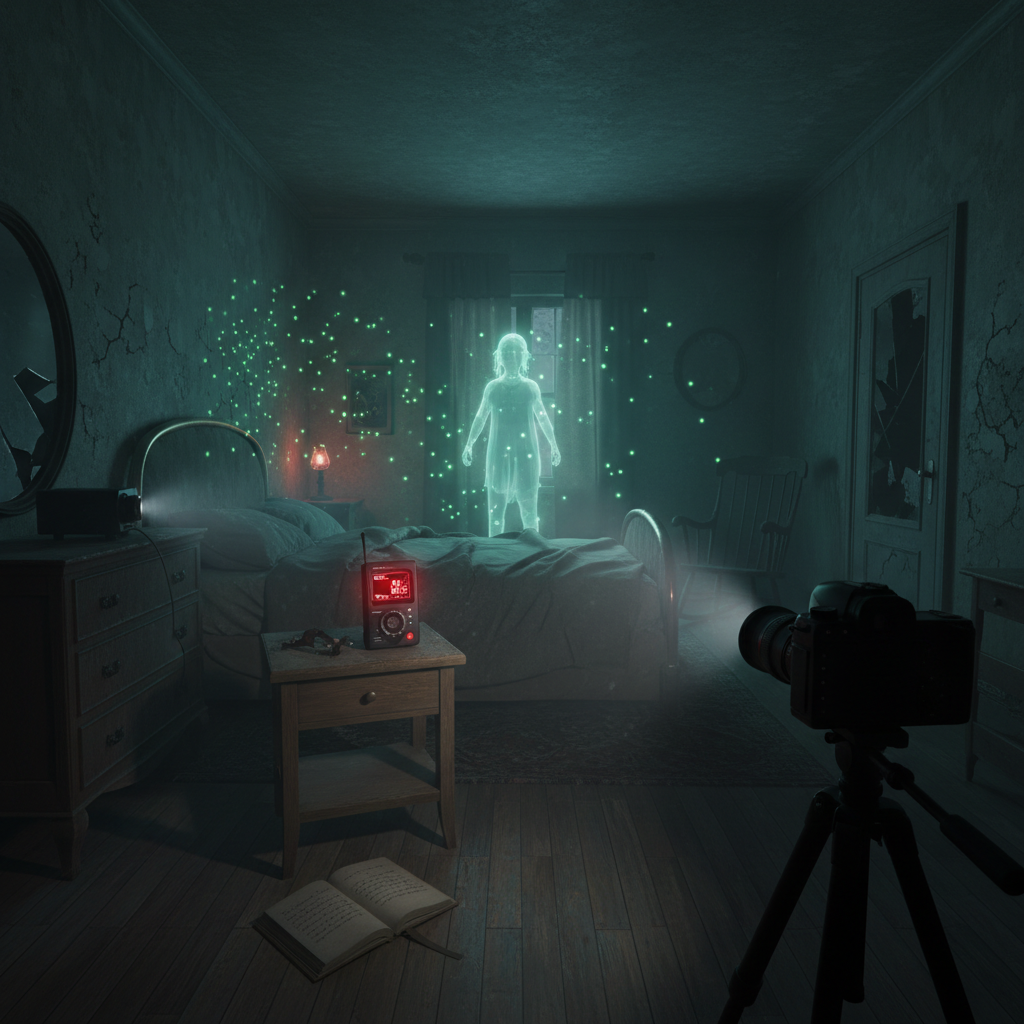
One small habit helps a lot in VR: place items deliberately and keep the floor tidy. When you drop tools in a pile, you’ll spend the next minute “VR-grabbing” the wrong thing while your sanity drains.
Comfort and safety: avoid motion sickness and fatigue
VR discomfort is common, and in a tense game it can show up faster. If you feel sweaty, dizzy, or get a headache, that’s your cue to stop or change settings, pushing through usually backfires. If symptoms persist, it may be worth consulting a healthcare professional.
- Use snap turn for a week before switching to smooth turning.
- Short sessions: do one contract, then take a real break, water helps.
- Fan trick: a gentle fan facing you can reduce nausea for many people.
- Re-center often: if you feel “twisted,” reset your view before it gets worse.
According to the VR safety guidance from Meta, maintaining clear play space boundaries and taking breaks can reduce risk of accidental impacts and discomfort during VR sessions.
Troubleshooting and optimization (the fixes that usually work)
If the game runs fine on a monitor but falls apart in VR, don’t chase ten tweaks at once. Start with the high-impact fixes below, test, then move on.
High-impact settings table
| Problem | What it feels like | Try this first |
|---|---|---|
| Low FPS / stutter | Judder when turning, delayed hand movement | Lower shadows and volumetrics, reduce SteamVR resolution scaling |
| Controller mismatch | Buttons do the wrong thing | Reset bindings in SteamVR, pick a popular community binding |
| Voice not detected | Teammates can’t hear you, Spirit Box fails | Set default input device in Windows, confirm in-game voice test |
| Tracking drift | Hands slide or snap away | Improve room lighting, remove reflective surfaces, re-run guardian |
| Blurry image | Text and truck screen hard to read | Adjust headset fit/IPD, increase render resolution carefully |
Key takeaways to remember mid-setup
- Change one thing at a time, otherwise you won’t know what fixed it.
- Prefer stability over ultra settings, VR fear lands even at medium graphics.
- Test in the lobby, it’s the safest place to validate grabs, doors, and voice.
Conclusion: your first smooth VR contract
Getting comfortable with how to play phasmophobia in vr is less about bravery and more about reducing friction, stable performance, reliable voice, and movement settings that keep your stomach calm. Once those are in place, the game stops feeling like “VR chaos” and starts feeling like a tense, readable investigation.
If you want a simple next step, do one lobby drill: practice grab/place, open a door, toggle your flashlight, then run one small map contract with snap turning. You’ll feel the difference immediately, and you’ll have a baseline to improve from.