
Best vr games for beginners usually share a few traits: simple controls, comfort-friendly movement, and sessions that feel great even if you only play 10–20 minutes at a time.
If you’re new to VR, the tricky part isn’t finding “popular” games, it’s avoiding the ones that accidentally make your first week miserable, intense smooth locomotion, busy visuals, or tutorials that assume you already know VR basics.
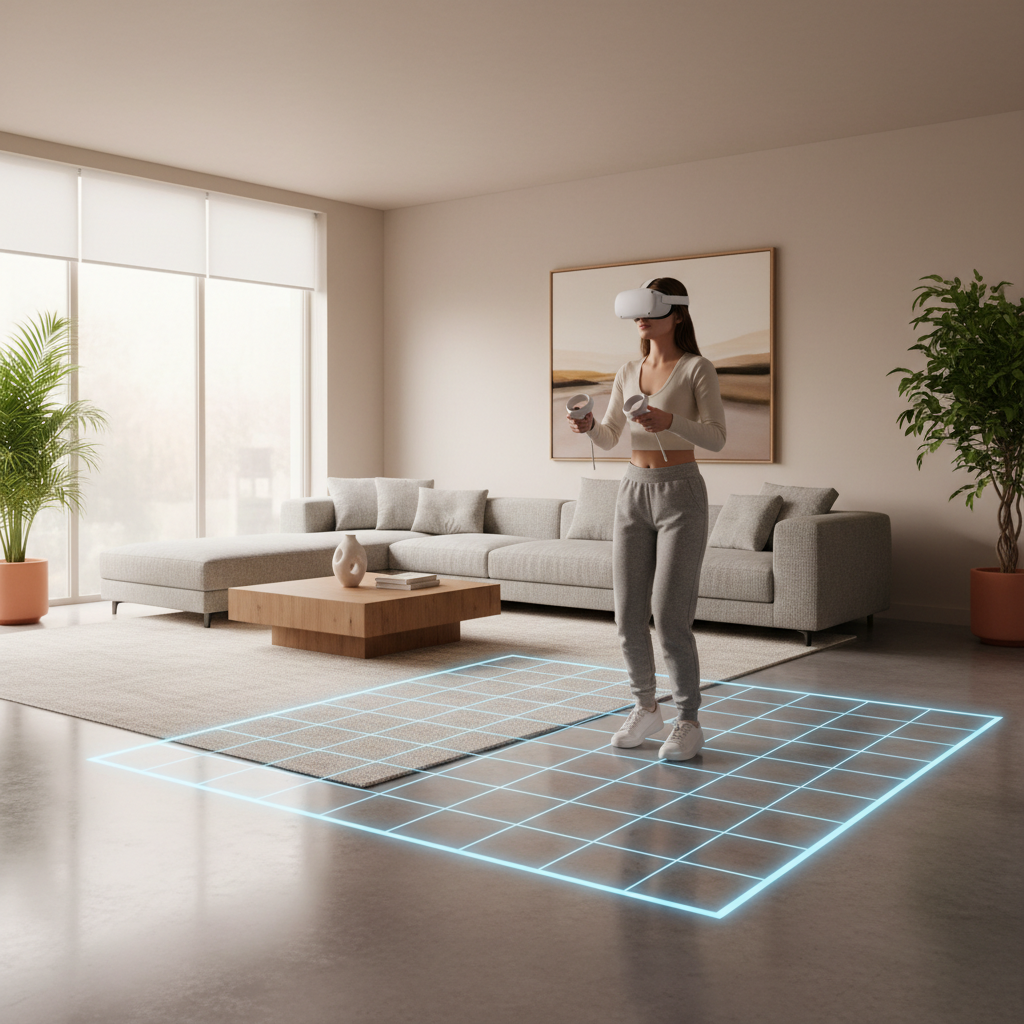
This guide keeps it practical: what to play first, how to pick based on your comfort level, and what settings to change before you blame yourself. You’ll also get a quick table to match game styles to beginner goals.
What “beginner-friendly” VR actually means in 2026
A lot of games look approachable in trailers, then you put the headset on and realize the movement system is doing half the work. For beginners, comfort matters more than graphics.
- Comfort locomotion: teleport movement, arm-swing walking, or short dashes tend to feel easier than smooth joystick movement.
- Readable spaces: clear depth cues and stable horizons reduce disorientation for many people.
- Low “cognitive load”: fewer button combos, slower pacing, and forgiving fail states.
- Short session friendly: levels or songs you can finish quickly without “one more checkpoint” pressure.
According to Meta, using comfort settings and taking breaks can help many users ease into VR, especially early on. That lines up with what most new players discover the hard way.
A quick self-check: which beginner type are you?
Before grabbing a top-10 list, figure out what “beginner” means for you, because it can mean “new to VR” or “sensitive to motion,” and those aren’t the same.
- I get motion sick easily: start with stationary or room-scale games, avoid smooth turning at first.
- I’m fine in 3D games but new to VR controls: pick games with strong onboarding and slower pace.
- I want fitness motivation: choose rhythm or boxing-style workouts with adjustable intensity.
- I’m buying for family/guests: prioritize short, intuitive experiences with clear safety boundaries.
If you’re unsure, choose “Comfort” or “Vignette” options in settings and treat your first sessions like a warm-up, not a marathon.
Best VR games for beginners (by category)
Rather than one giant ranked list, this section groups picks by what beginners usually enjoy first. These are commonly recommended entry points because they teach VR fundamentals without punishing you.
Stationary and super-comfortable (great first 30 minutes)
- Beat Saber (rhythm): clear objectives, standing play, easy to learn, hard to master.
- Job Simulator (sandbox): simple interactions, playful tone, great for guests.
- I Expect You To Die (puzzle/escape): seated spy puzzles, low-motion but highly engaging.
Light movement without the “whoa” feeling
- Walkabout Mini Golf (sports): teleport-friendly, relaxed pacing, great social VR option.
- Moss (adventure): diorama-style world, calmer camera, good if you like story.
- Pistol Whip (rhythm shooter): on-rails movement, adjustable modifiers, energetic but structured.
Cozy exploration and low-pressure fun
- The Room VR: A Dark Matter (puzzle): tactile interactions, strong guidance, slower pace.
- Vacation Simulator (casual): friendly tasks, lots of physical interaction without speed demands.
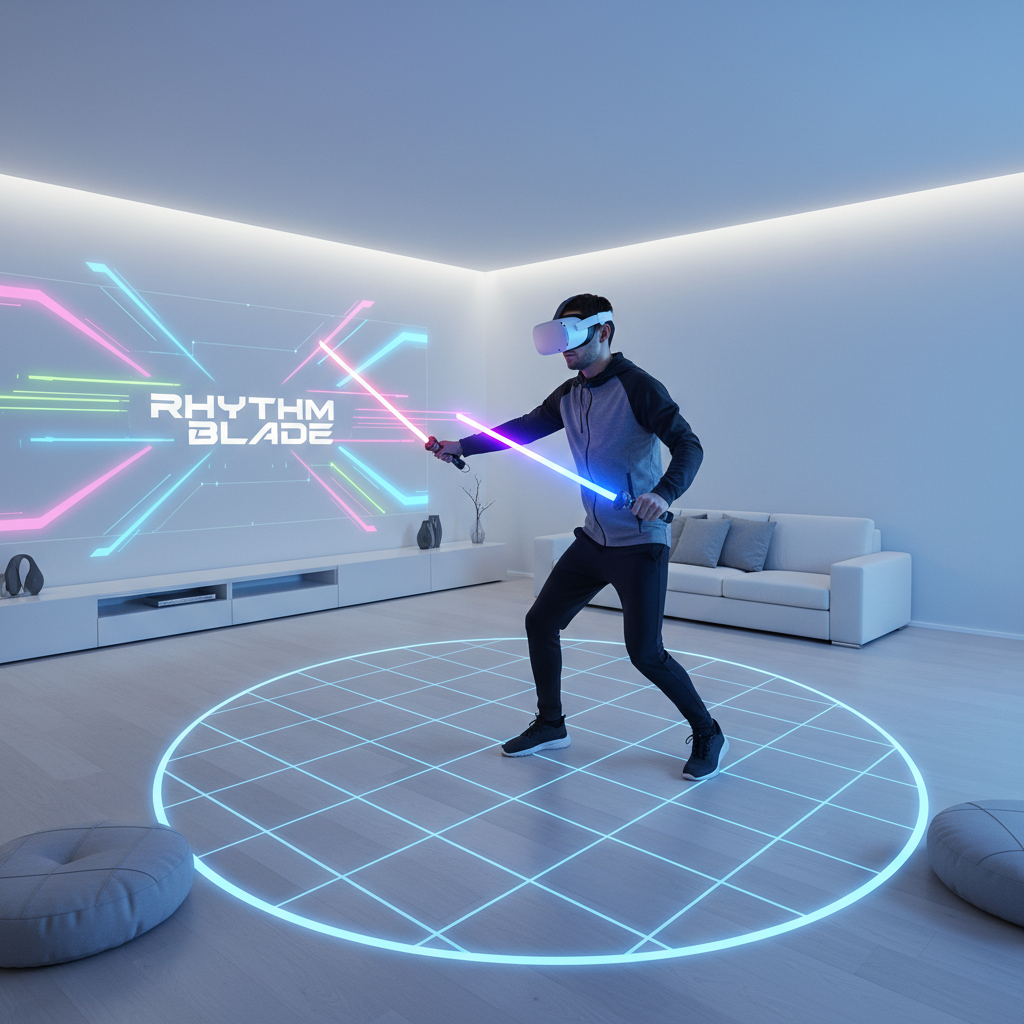
Pick fast with this table: goal → game style → why it works
If you’re shopping quickly, match your goal to a style. This tends to work better than chasing whatever is trending.
| Beginner goal | Game style to target | Why it’s beginner-friendly |
|---|---|---|
| Avoid motion sickness | Stationary rhythm, seated puzzles | Stable camera, minimal artificial movement |
| Learn VR controls | Interaction sandbox, guided puzzles | Clear prompts, “grab and use” basics |
| Play with friends | Mini golf, casual co-op | Low pressure, easy to talk and play |
| Get a workout | Rhythm, boxing-inspired fitness | Short sessions, adjustable intensity |
| Try story without nausea | Diorama adventures | Less camera chaos, slower pacing |
Comfort and safety settings beginners should change first
Many “bad first impressions” come from default settings, not from you being “bad at VR.” If your headset or game offers these, they’re worth using early on.
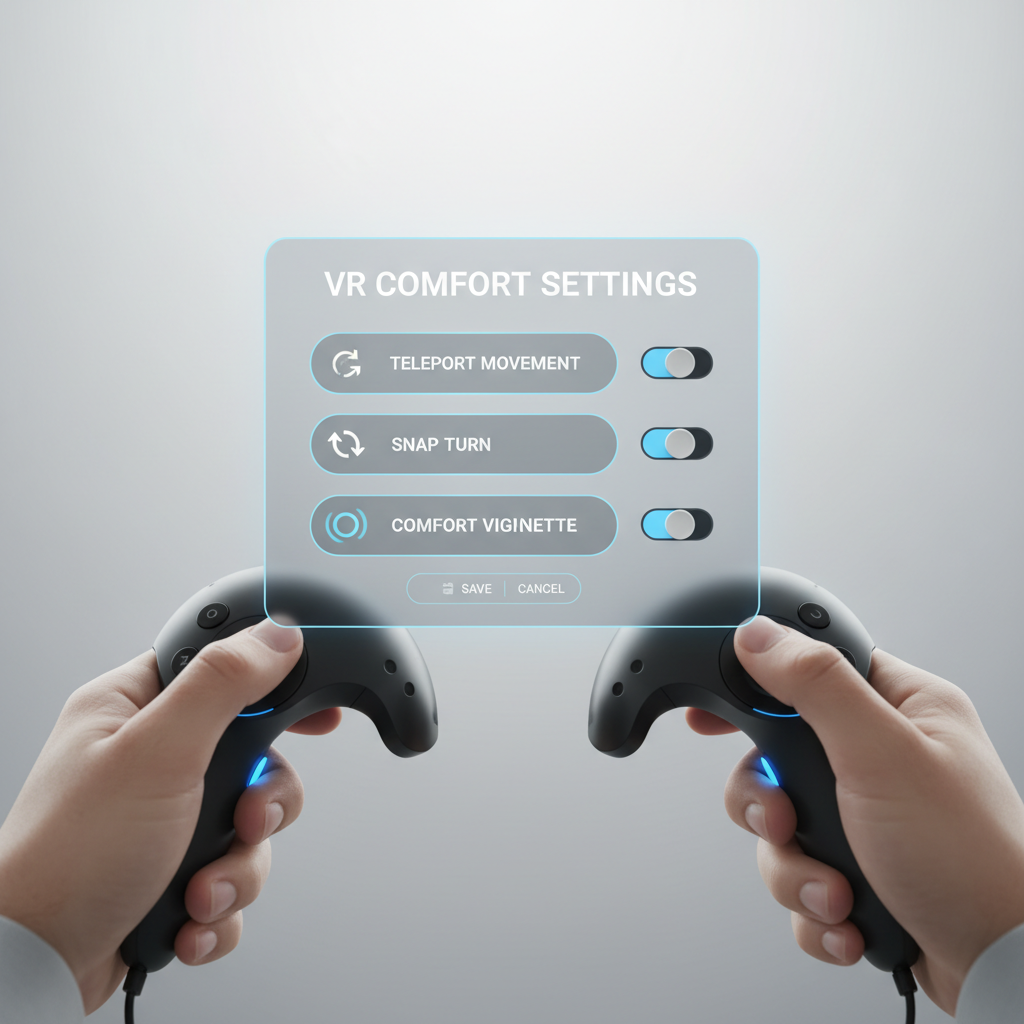
- Turn on comfort vignette (tunnel vision during movement) if smooth locomotion feels weird.
- Snap turn instead of smooth turn, then lower snap angle as you adapt.
- Use teleport locomotion for the first week if you’re sensitive, you can switch later.
- Set your floor height and boundary carefully, many “VR feels off” complaints trace back to calibration.
- Keep sessions short, stop at the first hint of nausea rather than pushing through.
According to CDC, motion sickness can worsen if you continue exposure while symptomatic, so taking breaks is typically a safer approach. If you have a medical condition or frequent vertigo, it’s sensible to ask a healthcare professional what’s appropriate.
Common mistakes that make beginner VR feel “bad”
People blame VR when it’s often a mismatch between game type, settings, and expectations. These are the usual traps.
- Starting with intense smooth movement shooters because they look cool in clips.
- Over-tightening the headset to “improve clarity,” then getting a headache.
- Ignoring IPD/fit guidance, blurry visuals can add eye strain fast.
- Playing on an empty stomach or when tired, many users report comfort drops quickly.
- No fan in the room, a small breeze helps some people feel grounded.
Practical starter plan: your first week in VR
If you want a low-drama ramp-up, this sequence works for a lot of beginners, even if you’re excited to jump into “big” games.
- Day 1–2: stationary rhythm or seated puzzle, 10–20 minutes, focus on comfort and fit.
- Day 3–4: teleport movement games, practice grabbing, throwing, and menu navigation.
- Day 5–7: try light smooth locomotion with vignette + snap turn, stop early if symptoms show up.
This also helps you learn what you personally enjoy. Some people never move past “cozy and stationary,” and that’s not a failure, it’s preference.
Key takeaways (save this)
- Best VR games for beginners tend to be stationary, on-rails, or teleport-based early on.
- Comfort settings are not “training wheels,” they’re how many people enjoy VR long-term.
- Pick by goal: social, fitness, story, or zero-nausea, then choose a matching style.
- Stop when you feel off, pushing through often backfires.
Conclusion: start easy, then expand your comfort zone
The fastest way to love VR is to start with games that respect beginner comfort, then gradually test more intense movement when you’re ready. If you want one simple move today, pick a stationary rhythm game or a seated puzzle, turn on comfort options, and keep the first session short. You’ll learn your preferences quickly, and your second purchase gets much easier.