
best standalone vr headsets 2026 is really a search for one thing: a headset you can put on and actually enjoy, without cables, PC tinkering, or buyer’s remorse after week two.
The problem is that “standalone” has become a bucket term, some headsets are truly self-contained, others quietly rely on add-ons, subscriptions, or a strong Wi‑Fi setup to feel good. Specs look clean on paper, but comfort, tracking, and the content library decide whether it becomes a weekly habit or a dusty gadget.
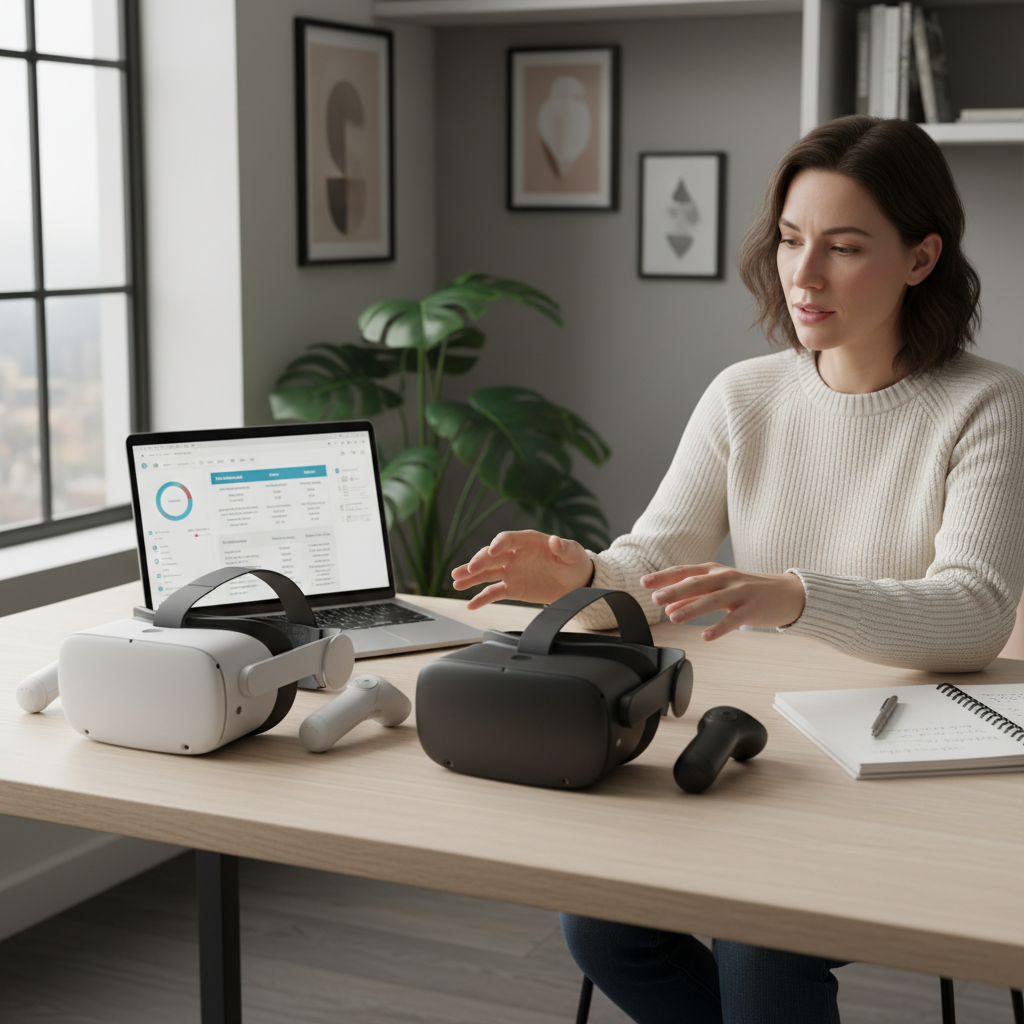
This guide focuses on practical buying signals for the US market in 2026, what tends to matter most, what to ignore, and how to match a headset to your real use case, fitness, travel, mixed reality, or just gaming after work.
Quick picks: best standalone VR headsets 2026 at a glance
If you want the short list before the nuance, here’s a buyer-friendly snapshot. Models change over time and bundles vary by retailer, so treat this as a comparison framework you can reuse.
| Pick | Best for | Why it stands out | Watch-outs |
|---|---|---|---|
| Meta Quest 3 | Mainstream gaming + mixed reality | Strong app library, good passthrough, easy setup | Head strap comfort often needs an upgrade |
| Meta Quest 3S | Value buy | Lower entry cost with a familiar ecosystem | Typically fewer premium features than Quest 3 |
| PICO 4 / PICO lineup (where available) | Comfort-focused, some media use | Often lighter feel, competitive displays | US availability and content library can vary |
| Apple Vision Pro | Premium spatial computing | High-end visuals, strong MR productivity vibe | High price, different “VR gaming” emphasis |
- Key point: for most people, the “best” choice is the one with the library you’ll actually use and comfort you can tolerate for 30–60 minutes.
What “standalone” really means in 2026 (and what it doesn’t)
Standalone means the headset runs apps on its own processor, with inside-out tracking, no PC required. In real life, though, the experience still depends on a few external factors.
- Wi‑Fi quality: not mandatory for offline games, but essential for downloads, social VR, and cloud features.
- Account ecosystem: most stores tie purchases to an account, so switching brands can mean repurchasing apps.
- Optional PC streaming: many standalone headsets can stream PC VR over Wi‑Fi, but that’s a bonus, not the baseline.
According to the Federal Trade Commission (FTC), consumers should pay attention to total cost and subscription terms when buying connected devices, which is especially relevant when “standalone” still involves paid content, accessories, and services.
How to choose: the 6 factors that decide whether you’ll love it
You can read 30 spec sheets and still miss the stuff that ruins daily use. Here are the factors that tend to make or break satisfaction.
1) Comfort and fit (more important than people admit)
Face pressure, heat, and front-heavy balance are common dealbreakers. Many headsets feel fine for 10 minutes in a store demo, then become annoying at 30 minutes.
- Look for good weight balance, adjustable IPD, and a strap system that doesn’t pinch.
- If you wear glasses, check the fit options or consider prescription inserts.
2) Passthrough and mixed reality quality
Mixed reality is no longer a gimmick for a lot of buyers, it changes how often you use the device because you can stay aware of your room. For the best standalone VR headsets 2026, good passthrough usually means more comfortable movement and fewer “I’m boxed in” moments.
3) Tracking and controller feel
Most current systems handle room-scale tracking well in decent lighting, but edge cases still show up: dim rooms, bright sunlight, reflective surfaces, or fast boxing motions. Controller ergonomics matter more than raw tracking accuracy if your hands cramp.
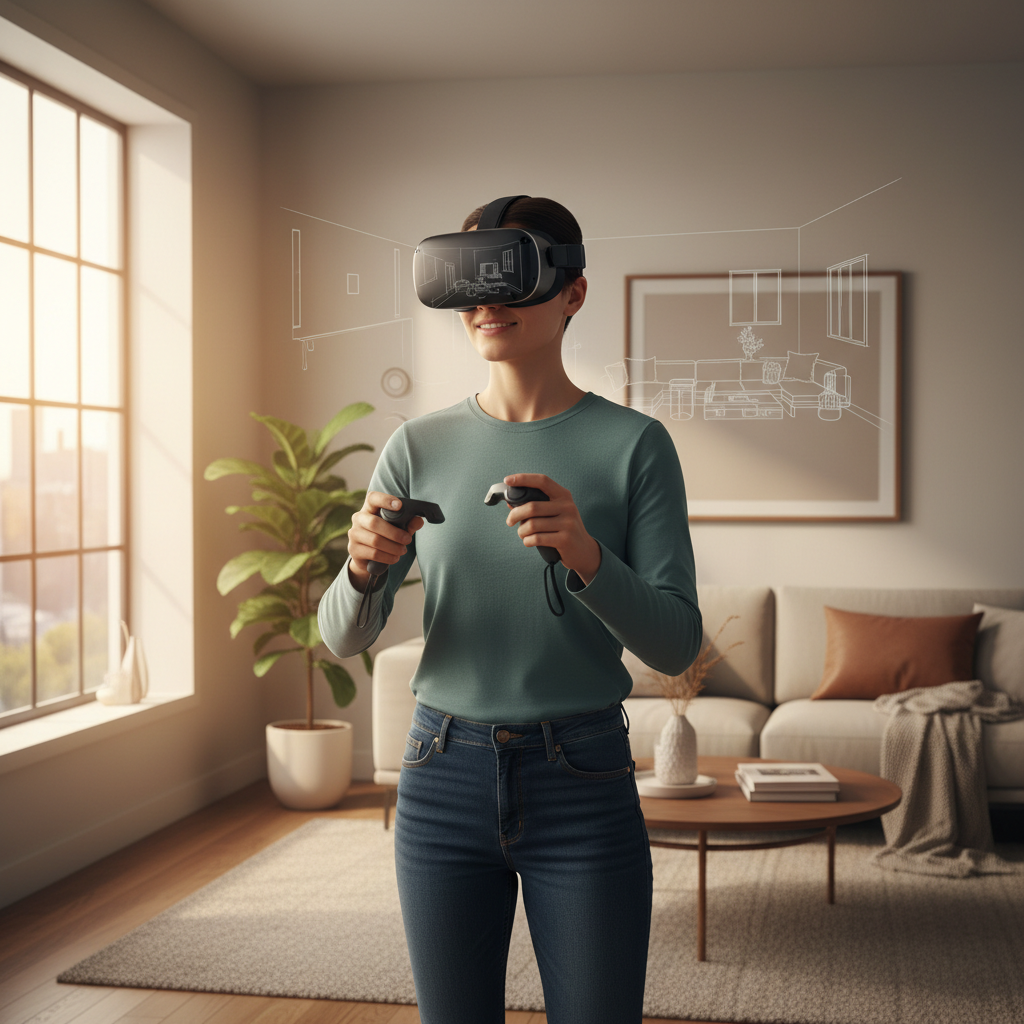
4) Content library and exclusives
This is the quiet truth: the store matters as much as the headset. If your friends play in one ecosystem, or your must-have apps live on one platform, “better hardware” won’t compensate. Before buying, open the store app and check your top 10 titles.
5) Battery life and charging habits
Standalone headsets often land in the 2–3 hour range depending on brightness and workload. If you plan fitness sessions or long social hangouts, you may want a battery strap or an external battery pack, but that adds weight.
6) Privacy, boundaries, and room safety
Room mapping, cameras, and microphones are part of how standalone VR works. According to the National Institute of Standards and Technology (NIST), privacy risk management starts with understanding what data a device collects and how it’s used. In practical terms, read the privacy settings, turn off what you don’t need, and set your boundary carefully.
Self-check: which standalone headset type fits you?
If you’re stuck between two “top” models, this quick checklist usually clarifies the decision.
- You want easy gaming with the biggest mainstream library: prioritize ecosystem, exclusives, and comfort accessories you’re willing to buy.
- You care about mixed reality for home tasks: prioritize passthrough clarity, stable room mapping, and hand tracking quality.
- You travel or use it in small spaces: prioritize portability, quick boundary setup, and solid stationary modes.
- You get motion sensitive: prioritize higher refresh options, stable tracking, and comfort, then choose games with comfort settings.
- You already own a gaming PC: consider how well the headset handles wireless PC streaming, but don’t buy for that alone unless your Wi‑Fi setup is strong.
Real-world buying advice (so you don’t overspend)
It’s easy to chase “future-proof,” but with VR, your habits matter more than theoretical specs. Here’s what tends to work in the real world.
- Decide your main use: fitness, social, shooters, media, or work. One primary use beats five vague ones.
- Budget for comfort: many buyers end up replacing the strap or adding a different facial interface. If you know you’re picky, plan for it.
- Check return windows: fit and motion comfort are personal. A generous return policy is part of your “feature set.”
- Watch the bundle math: extra storage, case, battery strap, and a couple games can change the real cost fast.
For best standalone VR headsets 2026 comparisons, I usually tell people to treat this like buying shoes: the “best” pair is the one you actually wear. Comfort plus content beats an extra spec bump you never notice after day three.
Setup tips that make standalone VR feel better on day one
Most complaints come from a few fixable setup issues. Try these before deciding a headset “isn’t for you.”
Dial in fit and visuals
- Tighten the strap enough to stop wobble, then back off slightly so your face isn’t carrying all the weight.
- Adjust IPD if your headset supports it, blurry edges often come from a misfit, not “bad resolution.”
- Clean lenses properly, microfiber only, avoid household cleaners unless the manufacturer recommends them.
Make your room tracking-friendly
- Use even lighting, avoid direct sunlight on sensors.
- Remove mirrors or cover reflective surfaces if tracking gets jumpy.
- Recreate the play boundary if you change furniture, mapping errors can creep in.
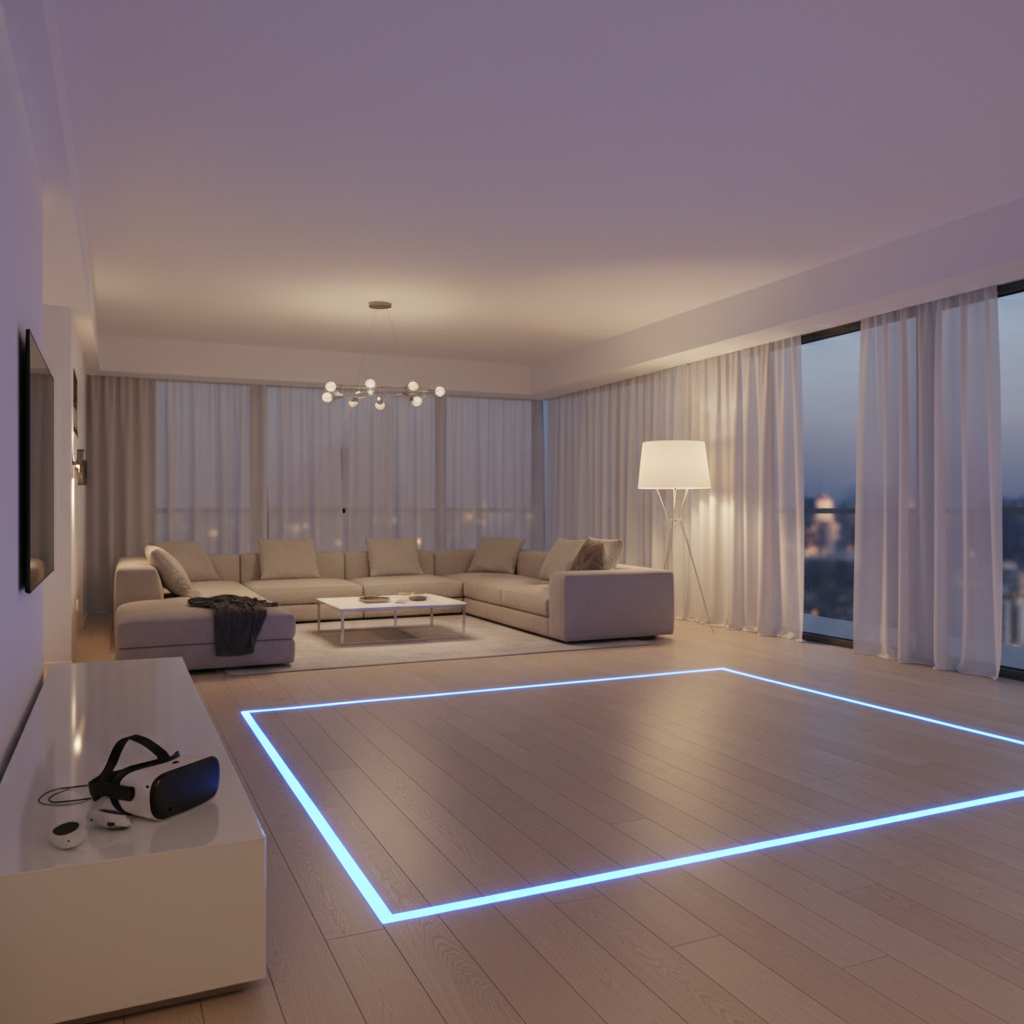
Use comfort settings, especially early on
If you’re new to VR, enable comfort options like snap turning, vignetting, and teleport movement. Motion discomfort varies by person and can improve with gradual exposure, but if you feel dizzy or nauseated, stop and take a break. If symptoms persist or feel severe, it’s smart to consult a healthcare professional.
Common mistakes shoppers make (and how to avoid them)
- Buying for one demo moment: a five-minute wow doesn’t predict weekly use. Think in 30-minute sessions.
- Ignoring the store ecosystem: a smaller library can become the real limiter, even with great screens.
- Overpaying for storage you won’t use: if you rotate a few games, base storage may be fine, media hoarders are the exception.
- Assuming accessories are optional: comfort upgrades can be the difference between “fun” and “headache.”
- Underestimating Wi‑Fi needs: crowded networks can make streaming and downloads annoying, even if offline gameplay is fine.
Conclusion: picking the best standalone VR headset for you in 2026
The best standalone VR headsets 2026 list is useful, but your best choice usually comes down to three things you can verify quickly: comfort on your face, the apps you’ll actually open, and whether the headset fits your space and routines.
If you want a simple next step, shortlist two models, check the top 10 apps you care about in each store, then buy from a retailer with a return policy you trust. That one decision removes a lot of pressure and turns “research” into a real test.
Key takeaways
- Comfort and content library decide long-term use more than small spec differences.
- Mixed reality quality matters if you plan frequent, casual sessions at home.
- Plan for real cost including strap upgrades, extra battery, and a couple must-have apps.