
best games with mod support on xbox game pass usually means one thing in practice: you want Game Pass convenience, but you also want the freedom to tweak, expand, or fix a game without breaking your whole setup.
That’s a fair ask, and it’s also where people get tripped up, because “mod support” can mean very different things on Xbox console versus PC Game Pass. Some games have a built-in mod browser, others rely on external tools, and a few technically allow mods but fight you every step of the way.

This guide focuses on games that tend to be a good fit for modding within the Game Pass ecosystem, plus the practical steps and “gotchas” that matter in real life, like where mods come from, what breaks after updates, and when it’s smarter to keep things vanilla.
What “mod support” really means on Xbox Game Pass
Before you pick a title, it helps to know which type of modding you’re actually shopping for. On Xbox Game Pass, mod support commonly falls into three buckets.
- In-game mod browser (console-friendly): Mods are discovered and installed inside the game. This is the smoothest path on Xbox consoles.
- Official modding tools or curated platforms: The game points you to an official pipeline or approved libraries. You still have choices, but it’s not a total free-for-all.
- PC-style modding (PC Game Pass): Similar to Steam modding in spirit, but often with extra friction due to app install locations, permissions, and updates.
According to Microsoft (Xbox support and Windows documentation), app permissions, install locations, and security controls can limit how software modifies game files on Windows. That’s why two players can both “have Game Pass,” yet their modding experience feels completely different.
Quick picks: best moddable games on Game Pass (at a glance)
If you just want a shortlist to start with, these are commonly mentioned when people ask for the best games with mod support on xbox game pass, especially if you value active mod communities and clear setup paths.
| Game | Best for | Where modding is easiest | What to expect |
|---|---|---|---|
| The Elder Scrolls V: Skyrim (when available) | New quests, visuals, overhauls | Xbox (built-in) / PC (broad ecosystem) | Huge library; load order matters |
| Fallout 4 (when available) | Settlement and gameplay mods | Xbox (built-in) / PC | Great variety; updates can conflict |
| Starfield (when available) | QoL tweaks, ships, UI changes | PC first, console support varies | Scene evolves fast; watch compatibility |
| Minecraft (select editions) | Skins, add-ons, worlds | Console-friendly marketplaces/add-ons | “Mods” often means add-ons, not file-level mods |
| ARK: Survival Evolved (when available) | New dinos, progression, servers | PC (mod ecosystem strongest) | Server rules decide what works |
Reality check: Game Pass catalog rotates, and some of the most moddable classics come and go. If a specific title is the reason you mod, confirm it’s currently in your library before you plan your weekend around it.
Top games with mod support on Xbox console: what feels “worth it”
Console modding is all about convenience and stability. You won’t get every mod under the sun, but you also won’t spend your night digging through folders and permissions.
Bethesda RPGs with built-in mod menus
When Bethesda titles are in the lineup, they’re often the most straightforward answer to best games with mod support on xbox game pass for console players. The built-in browser makes discovery simple, and the UI usually handles download and activation without extra tools.
- Skyrim: Great if you want a “new game” feeling without learning complex tooling.
- Fallout 4: Strong for settlements, weapons, and survival tweaks.
Where people stumble: mod load order, overlapping changes, and forgetting that “one more mod” can push you over storage limits. Small, compatible sets usually beat giant stacks.
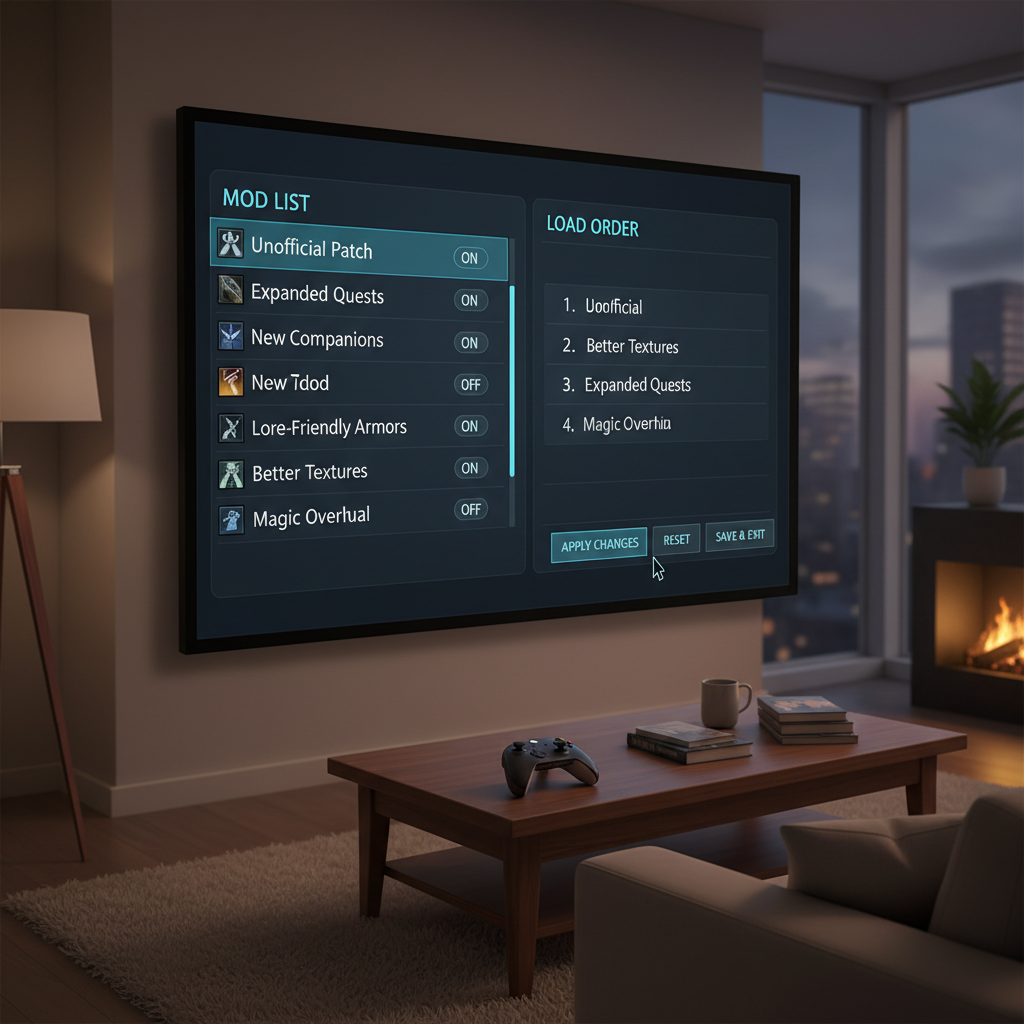
Key point: console modding is curated. If a mod requires external script extenders or deep file edits, it typically won’t be available.
Best mod support on PC Game Pass: where you get more freedom (and more chores)
On PC, “mod support” can be expansive, but it depends on whether the game’s Game Pass build plays nicely with typical mod tools. Some do, some don’t, and some work after a few extra steps.
Games that behave closer to typical PC modding
When the Windows/Game Pass version allows accessible folders and doesn’t lock down the install, mod managers and manual installs can feel familiar. That’s where PC Game Pass can deliver a strong moddable experience without buying the game again elsewhere.
- Large sandbox RPGs: UI improvements, texture packs, quality-of-life changes often land first on PC.
- Survival/crafting games: Community balance changes and building tools can dramatically improve pacing.
According to Microsoft, Windows apps and games may use controlled install locations and permissions for security. In plain English, that can affect where you can drop mod files, and whether a tool can “see” your game.
A quick self-check: are you a good fit for modding on Game Pass?
This takes two minutes, and it saves you from chasing the wrong setup.
- You should mod on console if you want simple browsing, easy uninstall, and fewer crashes, and you’re okay with a smaller mod selection.
- You should mod on PC Game Pass if you can handle folders, occasional troubleshooting, and you want deeper changes.
- You might skip modding if you mainly want achievements, stable co-op, or you only have a couple hours a week and updates regularly disrupt things.
One more honesty check: if you get frustrated when a patch resets your settings, start with cosmetic or quality-of-life mods, and avoid full overhauls until you know your tolerance level.
How to mod games on Xbox Game Pass (console vs PC): practical steps
There isn’t one universal workflow, but there are repeatable patterns that work for most players.
On Xbox console (in-game mod browser)
- Start a clean save (or at least a backup save) before big changes.
- Install a small “starter set”: UI mod, performance/bugfix mod, one content mod. Test before adding more.
- Review load order guidance inside the mod menu when available.
- Restart the game after changes. Some mods only apply after a full reboot.
On PC Game Pass (Windows)
- Confirm the game supports mods on its PC build via its store page notes, in-game menus, or official docs.
- Locate the install and save paths before you install anything, so you can revert changes.
- Use a mod manager only if it supports the Game Pass version; otherwise manual installs may be safer.
- Keep a rollback plan: a copy of config files and a list of installed mods, so updates don’t turn into detective work.
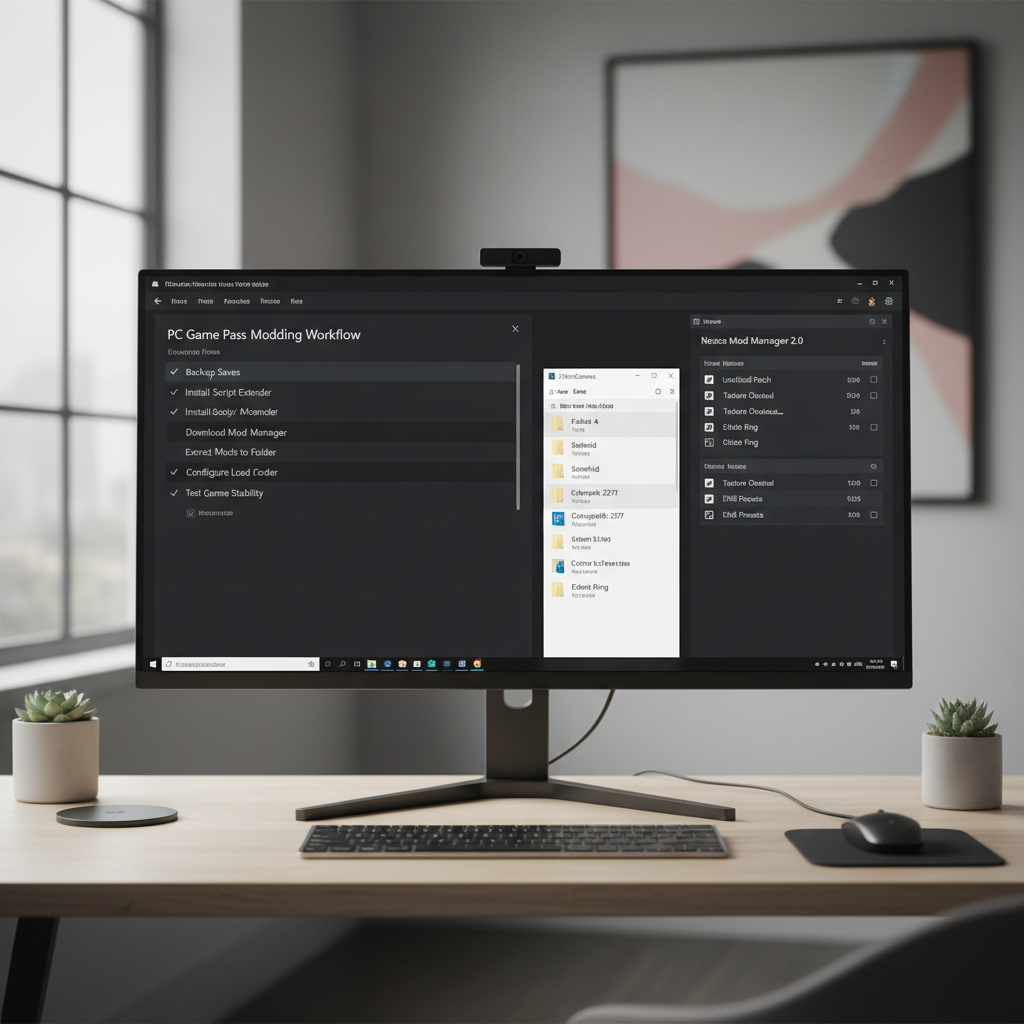
Key takeaway: if you’re searching best games with mod support on xbox game pass because you want “Steam-like” modding, you’ll usually get closer on PC than on console, but you’ll earn it.
Common mistakes that waste time (and how to avoid them)
- Installing too many mods at once: when something breaks, you won’t know which mod caused it. Add mods in small batches.
- Ignoring compatibility notes: many mods assume specific DLC, patches, or frameworks. Read the description even if you hate reading.
- Mixing multiple big overhauls: two mods changing the same core system often means conflicts, not “double improvements.”
- Assuming console and PC mod lists match: they often don’t. Console libraries can be curated and limited.
- Forgetting multiplayer rules: co-op and servers may require everyone to run the same mods, or they may disallow them entirely.
If stability matters, prioritize mods that are widely used, recently updated, and clearly documented, boring criteria, but it works.
When to ask for help (and what info to bring)
Some mod issues are quick, others turn into a rabbit hole. Ask for help when crashes repeat, saves fail to load, or performance tanks right after enabling a mod set.
- Bring specifics: platform (Xbox vs PC), Game Pass version, mod list, load order, and what changed right before the issue.
- Use official channels first when a game has them; curated mod platforms often have known-issues lists.
- Be cautious with “fix packs” from random sources; on PC, only download mods from reputable communities.
For anything that looks like account issues, licensing errors, or corrupted installs, Microsoft and the game publisher support pages are usually the right first stop.
Key takeaways if you’re choosing what to play next
- Console modding tends to be smoother, but selection is smaller and more curated.
- PC Game Pass modding can be deeper, but file access, updates, and tool compatibility matter.
- The best games with mod support on xbox game pass are typically titles with either a built-in mod browser or a clearly supported PC mod workflow.
If you want one practical next step, pick a single moddable game you already enjoy, add three small mods, and test for an hour before you go bigger. That “slow start” feels boring, but it’s what keeps modding fun instead of fragile.
FAQ
What are the best games with mod support on Xbox Game Pass right now?
It depends on the current catalog, but moddable Bethesda-style RPGs (when available) are common favorites on console, and PC Game Pass tends to offer broader modding potential for certain games if the Windows build supports it.
Can you use Nexus Mods with PC Game Pass games?
Sometimes. Many Nexus mods assume a specific PC installation layout, and some mod managers work better with certain storefront builds than others, so you’ll want to confirm the mod’s instructions mention the Windows/Game Pass version.
Do mods disable achievements on Xbox?
Many games treat mods as a gameplay change and may disable achievements, especially on console. Some cosmetic mods may not, but you should assume achievements can be affected unless the game states otherwise.
Why do my mods stop working after a Game Pass update?
Updates can change game files, configurations, or version compatibility. If a mod relies on specific versions or scripts, it may need an update too, and the fix is often waiting for the mod author or rolling back changes if possible.
Is modding safer on console than on PC?
In many cases, yes, because console mod libraries are curated and installed through in-game tools. On PC, you have more flexibility, but you also have more responsibility for source quality and file management.
How do I know if a Game Pass game supports mods before installing?
Look for an in-game “Mods” menu, check the game’s official documentation, and review the store listing notes. If the developer calls out mod support explicitly, your odds of a smooth experience go up.
What’s a good first mod to try if I’m new?
A UI improvement or a small quality-of-life tweak is usually a safe entry point, because it’s easier to remove and less likely to conflict with core systems than a full gameplay overhaul.
If you’re trying to pick from the best games with mod support on xbox game pass and you want a more tailored shortlist, it helps to decide upfront whether you play on console or PC, and whether you care more about “plug-and-play mods” or deep customization, that one choice narrows your options fast.