
Best VR games without motion sickness usually share one thing: they keep your eyes and inner ear from arguing about whether you’re moving. If you’ve ever taken off a headset feeling sweaty or woozy, you’re not “bad at VR”, you’re dealing with a normal sensory mismatch that can hit beginners and veterans alike.
The good news is you don’t have to give up VR, you just need smarter game choices and a few comfort tweaks. Some genres naturally feel better, and many popular titles offer comfort options like teleport movement, snap turning, or fixed horizons that reduce nausea risk.
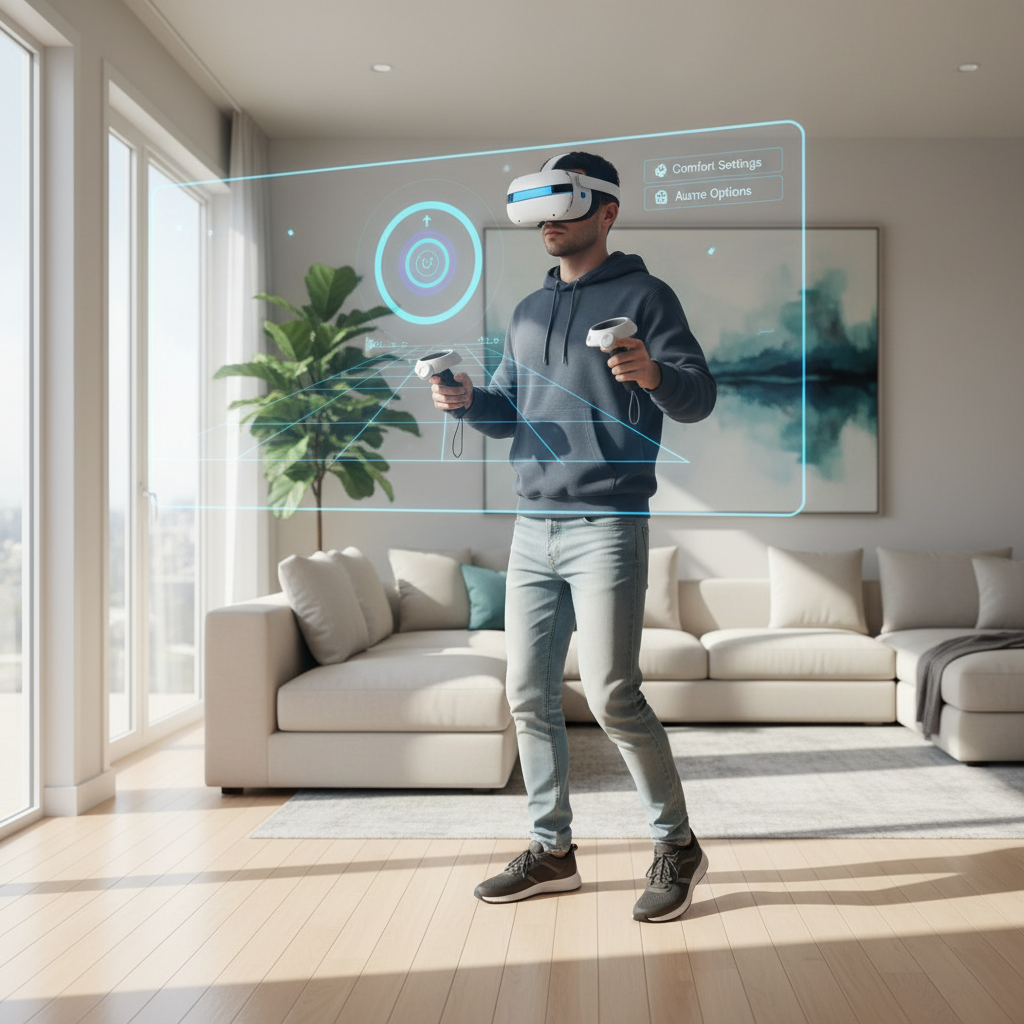
One common misunderstanding is that “motion sickness games” are only intense shooters. In reality, it’s often about locomotion style, camera behavior, and frame-rate stability. This guide breaks down why certain games feel rough, how to quickly tell what will be comfortable for you, and which titles are typically easier on the stomach.
Why VR makes some people nauseous (and why some games don’t)
VR discomfort often comes from a sensory conflict: your headset shows movement, but your body feels still. According to Mayo Clinic, motion sickness commonly happens when your brain receives mixed signals from your eyes and inner ear, VR can trigger the same pattern for some players.
Games that tend to feel comfortable reduce that conflict in a few practical ways:
- Minimal artificial movement: teleportation or room-scale movement instead of smooth joystick walking.
- Stable frame rate: stutters and dropped frames can spike discomfort fast, even in “slow” games.
- Predictable camera: fewer forced camera shakes, sudden accelerations, or unexpected rotations.
- Clear reference points: cockpits, static HUD frames, or fixed horizons can anchor your perception.
And yes, personal tolerance varies. Some people adapt over time, others stay sensitive, and both are normal.
Quick self-check: which comfort level are you likely in?
If you want the best vr games without motion sickness for your situation, start with an honest baseline. This isn’t a diagnosis, just a practical sorting tool.
Green light (usually comfortable)
- You can ride in cars and read your phone without issues.
- You handle smooth camera movement in flatscreen games easily.
- You’ve used VR before with only mild discomfort.
Yellow light (choose carefully)
- You get mild nausea on boats, in the back seat, or with roller-coaster videos.
- You feel “off” after 10–20 minutes of VR unless you take breaks.
- You dislike fast turning or sudden camera movement.
Red light (start with the gentlest titles)
- You’ve had strong nausea, dizziness, or headaches in VR.
- Even short smooth-locomotion demos make you uncomfortable.
- You’re returning to VR after a long break and feel sensitive.
If you’re in yellow or red, don’t push through. Many people get worse when they “power through” nausea, and it can train your brain to expect discomfort next time.
Comfort-first genres: what to look for (and what to avoid)
When people search for best vr games without motion sickness, they’re often really asking, “Which kinds of VR feel natural?” In practice, these categories tend to work well:
- Rhythm and fitness: you stay mostly in place, your body movement matches what you see.
- Room-scale puzzles: real walking, turning, leaning, grabbing, no fake acceleration.
- Stationary arcade: you stand at a fixed point and interact with objects coming to you.
- Mixed reality (when available): your real room stays visible, lowering sensory conflict.
Games more likely to cause trouble, especially early on:
- Smooth joystick locomotion with fast strafe and sprint.
- Free rotation turning instead of snap turning.
- Vehicles with aggressive banking or drifting, unless there’s a strong cockpit frame.
- Any title with inconsistent performance, even a great game can feel awful if it stutters.
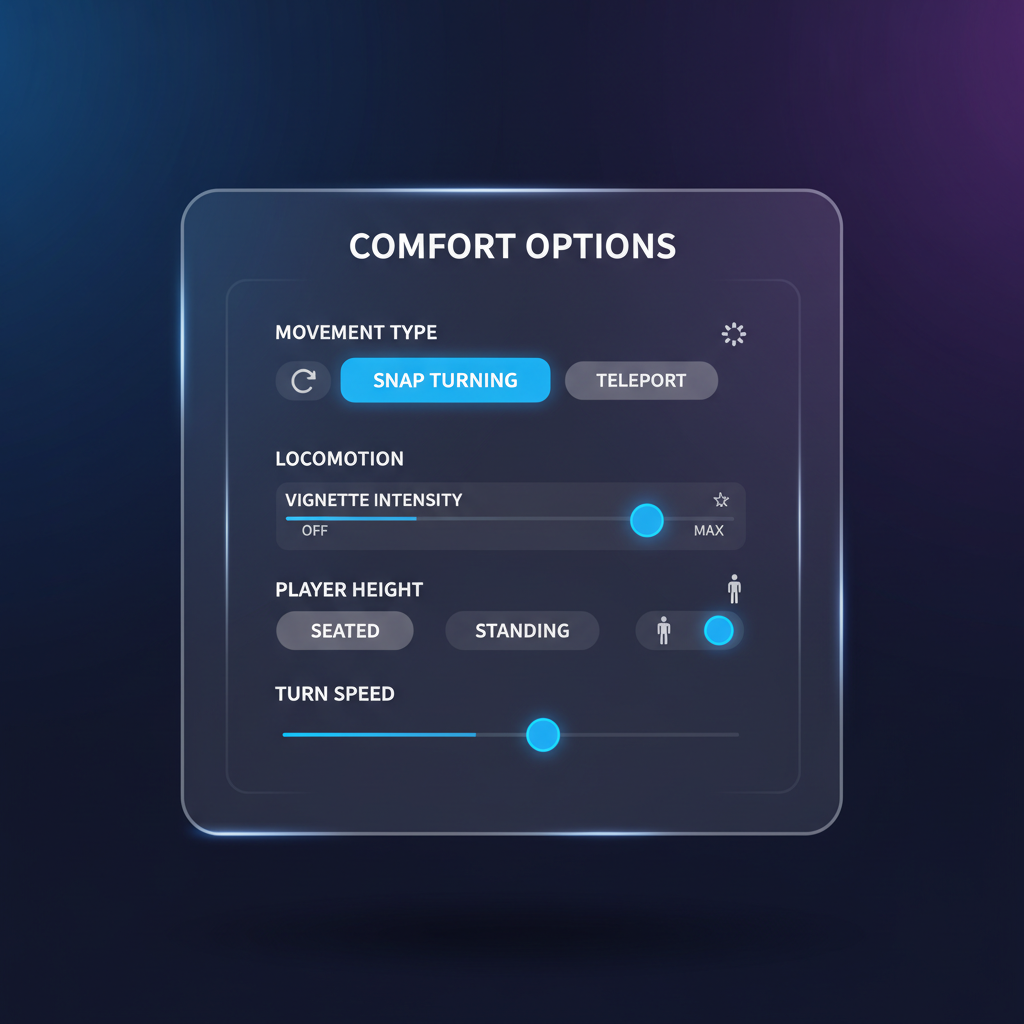
One more reality check: “comfortable” doesn’t always mean “slow.” Rhythm games can be intense, but the motion is yours, not the camera’s, that’s the difference.
A curated list of comfortable picks (with a practical comparison table)
Below are titles and categories that many players find easier to tolerate. Comfort still depends on headset, settings, and your sensitivity, so treat this as a shortlist to try, not a promise.
| Game / Type | Why it tends to feel comfortable | Comfort tips to use |
|---|---|---|
| Beat Saber (rhythm) | Mostly stationary, body-driven movement, clear visual anchors | Start on slower tracks, keep play area well lit, take 5-minute breaks |
| SUPERHOT VR (action puzzle) | Movement is physical, time moves with you, minimal forced camera motion | Use room-scale turning, avoid spinning fast, reset orientation often |
| Job Simulator / Vacation Simulator (room-scale) | Short interactions, playful pace, low acceleration | Play standing, keep guardian boundaries clear, avoid marathon sessions |
| Walkabout Mini Golf (sports) | Teleport by default, slow pace, stable horizon | Prefer teleport over smooth walk, enable snap turning if needed |
| Moss (3rd-person adventure) | Camera is mostly fixed, you observe the world like a diorama | Play seated if sensitive, keep headset fit stable to avoid blur |
| Puzzling Places (puzzle) | Stationary play, gentle interaction, no artificial locomotion | Use seated mode, scale puzzle size for comfort, relax your focus |
| Google Earth VR (exploration) | Can be comfortable with teleport, but smooth flying can be intense | Use teleport only at first, avoid fast altitude changes |
If you’re building a “safe” library, anchor it with stationary and teleport-heavy games, then slowly test one borderline title at a time.
Setup and settings that reduce nausea fast (most people skip these)
The same game can feel fine or brutal depending on setup. If you’re chasing the best vr games without motion sickness, these tweaks often matter as much as the game choice.
- Turn on teleport locomotion when available, then add smooth movement later if you want.
- Use snap turning (for example 30–45 degrees). Smooth turning is a common trigger.
- Enable vignette or “comfort tunnel” during movement, it limits peripheral motion cues.
- Check headset fit and lens clarity: blur and eye strain can mimic nausea.
- Keep your space cool: heat buildup makes discomfort feel worse for many players.
- Prioritize stable performance: avoid running heavy apps in the background on PC VR.
According to CDC, common motion sickness strategies include focusing on the horizon and taking breaks. In VR terms, that translates to using stable reference points and stopping at the first sign of symptoms, not after you feel terrible.
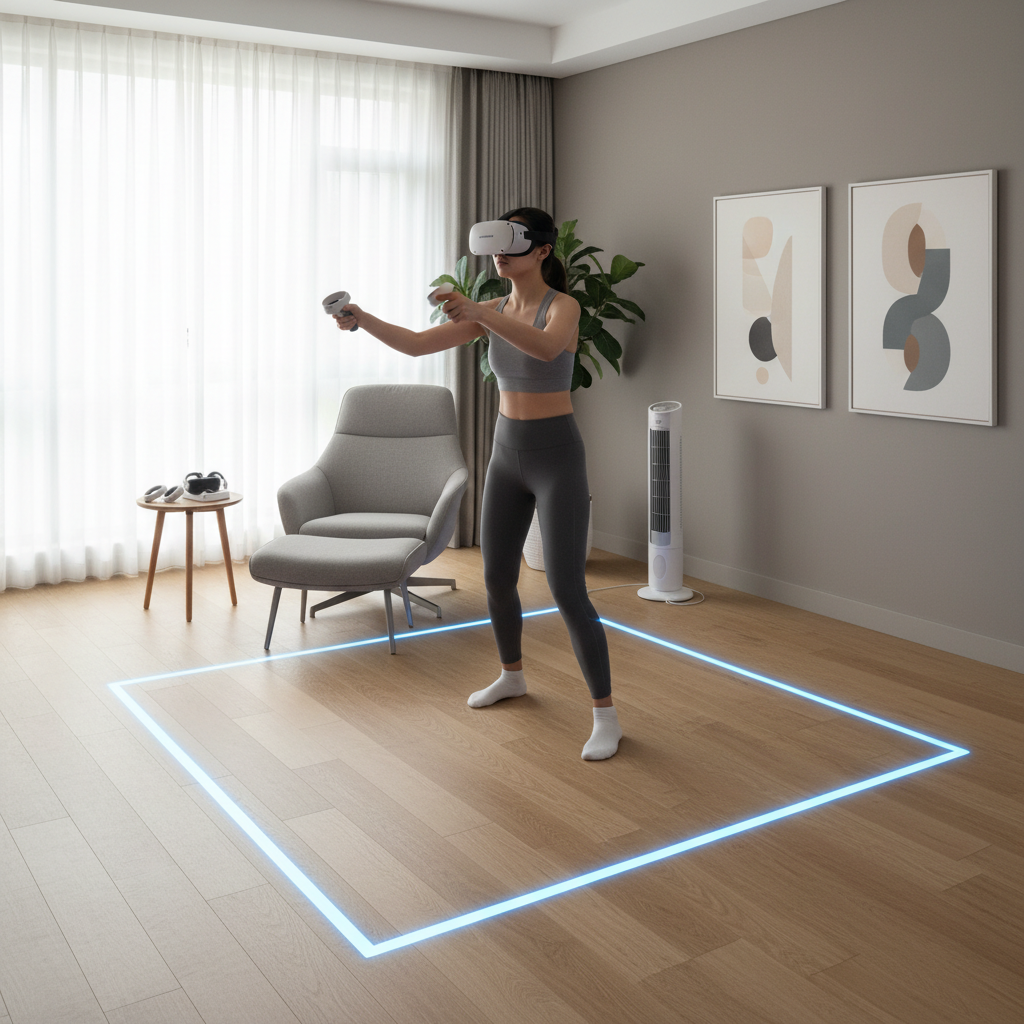
Key takeaway: if you only change one thing, switch to teleport and snap turning for a week, then reassess. It’s the simplest lever with the biggest comfort upside for many players.
A simple “comfort training” plan (so you can play more, not suffer more)
People often ask how to “build VR legs.” It can happen, but it’s usually more like gradual exposure than toughing it out.
- Week 1: 10–15 minute sessions, stationary or teleport-only titles, stop at the first hint of nausea.
- Week 2: add snap turning and short smooth-walk tests in calm environments, no fast strafing.
- Week 3+: increase time slowly, experiment with comfort settings one at a time so you know what helps.
Two small rules keep this from backfiring: don’t play when you’re already tired or dehydrated, and don’t “finish the level” if symptoms start, your brain remembers that discomfort.
Common mistakes that make “comfortable VR” feel worse
Even when you pick the right titles, a few habits can quietly ruin the session:
- Starting with free locomotion because it feels “more real,” then wondering why you feel awful.
- Cranking sensitivity on turning speed, especially in shooters and social apps.
- Ignoring IPD/fit: misalignment can create eye strain that feels like nausea.
- Playing through symptoms: many people recover faster when they stop early and resume later.
- Using alcohol or heavy meals before VR, which can raise the odds of discomfort.
If you keep hitting nausea in games that “should” be comfortable, check for performance issues, lens smudges, or lighting problems in inside-out tracking headsets.
When to stop and consider professional advice
VR sickness is common, but there are times to be more cautious. If you experience strong vertigo, ongoing dizziness after sessions, migraine-like symptoms, or nausea that lasts hours, it may be worth pausing VR and consulting a healthcare professional. The same goes if you have known vestibular disorders or eye conditions, your tolerance can differ and you deserve personalized guidance.
Kids and teens also deserve extra care, not because VR is automatically harmful, but because comfort, fit, and session limits matter more when someone can’t articulate early symptoms well.
Conclusion: pick calmer movement, then expand your library
The easiest way to find the best vr games without motion sickness is to start with genres that minimize artificial locomotion, use comfort settings aggressively, and increase intensity in small steps. Most people don’t need a heroic mindset, they need better defaults.
If you want an immediate next move, pick one stationary favorite from the table, turn on teleport and snap turning everywhere, then keep sessions short for the first week. You’ll learn your triggers faster, and you’ll actually enjoy VR again.
FAQ
- What are the best VR games without motion sickness for beginners?
Rhythm, puzzle, and room-scale titles are usually friendlier, because your body movement matches what you see. Start with Beat Saber, Job Simulator, or Puzzling Places, then branch out once you feel steady. - Is teleport movement always better than smooth locomotion?
For comfort, many people tolerate teleport better, especially early on. Smooth locomotion can be fine later, but it helps to add it gradually and keep snap turning enabled. - Why do I feel sick in VR even when I’m standing still?
Blur from poor fit, lens smudges, or wrong IPD can create eye strain that feels like nausea. Also watch for low frame rate or stuttering, your brain notices. - Do “comfort ratings” in stores guarantee I won’t get sick?
No, they’re helpful but not absolute. Comfort labels are broad, and your sensitivity plus settings can change the outcome a lot. - What settings should I change first to reduce VR nausea?
Teleport locomotion, snap turning, and a vignette during movement are the usual first wins. Change one setting at a time so you know what actually helped. - Can I train myself to tolerate more intense VR games?
Many people can improve tolerance with short sessions and gradual exposure. If symptoms are strong or persistent, it’s smarter to pause and consider professional advice. - Are third-person VR games less likely to cause motion sickness?
Often yes, because the camera is more stable and you’re observing rather than “being pushed” through space. Moss is a popular example of this style.
If you’re trying to build a VR library that feels good night after night, focus on comfort-forward movement and consistent performance, then expand from there. A small set of reliable, low-nausea favorites usually beats buying a bunch of intense titles you avoid launching.