how to play gorilla tag without ban usually comes down to one thing, play in a way that matches the game rules and the platform rules, even when everyone around you acts like bans “come out of nowhere.”
If you’ve ever seen a friend get removed mid-match, or you’ve had your account flagged after a heated lobby, you already know the real pain, it’s not just losing a round, it’s losing access and having no clear path back.
This guide focuses on what actually triggers bans in common U.S. player scenarios, how to self-check your setup, what to do if you use mods, and how to stay competitive without crossing lines that moderators and automated systems tend to enforce.

What “bans” in Gorilla Tag usually mean (and why it matters)
Before you try to figure out how to play gorilla tag without ban, it helps to separate three things players often mix together, in practice they lead to different outcomes and different fixes.
- Game ban: restrictions applied inside Gorilla Tag, sometimes temporary, sometimes longer, depending on severity and repeat behavior.
- Platform enforcement: actions from Meta/Quest, Steam, or your account ecosystem, usually tied to harassment, fraud, chargebacks, or policy violations.
- Lobby kick / vote kick: not a ban, just a removal from a room, still a signal you’re creating friction though.
According to Meta, users must follow platform conduct and safety rules, so even if something feels “in-game,” repeated harassment or abusive voice chat can still create account-level consequences.
Common reasons players get banned (real-world patterns)
Most bans come from a small list of behaviors, and a lot of them happen during “I was just messing around” moments, not calculated cheating.
1) Harassment and voice chat escalation
Gorilla Tag lobbies can get loud fast, but slurs, targeted insults, threats, or sustained bullying are the quickest way to earn reports. Even “trash talk” can cross a line if it becomes personal, repeated, or directed at a minor.
2) Cheating and unfair movement advantages
Anything that creates an advantage other players can’t access normally tends to get treated as cheating. That includes speed changes, altered physics, teleport-like movement, or tools that reveal positions.
3) Modding in the wrong place (or the wrong way)
Mods are where many players get confused. Some modding is tolerated only in specific contexts, and many mod loaders or unofficial builds can look suspicious to anti-cheat or to moderators. If you want how to play gorilla tag without ban to be more than luck, you need to be picky here.
4) Ban evasion
Creating or switching accounts to dodge enforcement often makes the situation worse. In many games and platforms, evasion itself becomes a separate violation.
5) Toxic “group behavior” you didn’t start, but joined
People forget this, if you pile on when a lobby targets one player, you can still get reported and actioned, even if you weren’t the first one to say something.
Quick self-check: are you in a “high ban risk” situation?
If you want a practical way to think about how to play gorilla tag without ban, run this checklist once, then again anytime you change your setup or your play style.
- You rely on “funny” insults and you’re not sure where the line is.
- You play mostly in public lobbies with strangers and minimal moderation.
- You installed a mod loader and you can’t clearly explain what each mod does.
- You notice other players calling you “sus” because your movement looks unnatural.
- You frequently get vote-kicked, even when you think you’re just being energetic.
- You share accounts or let friends play on your login.
If two or more apply, your goal should be reducing visibility and reducing triggers, not arguing with random lobbies.
How to play Gorilla Tag without ban: safe-play steps that actually work
This is the part most people want, a simple set of behaviors you can stick to without feeling like you’re walking on eggshells.
Dial in your communication habits
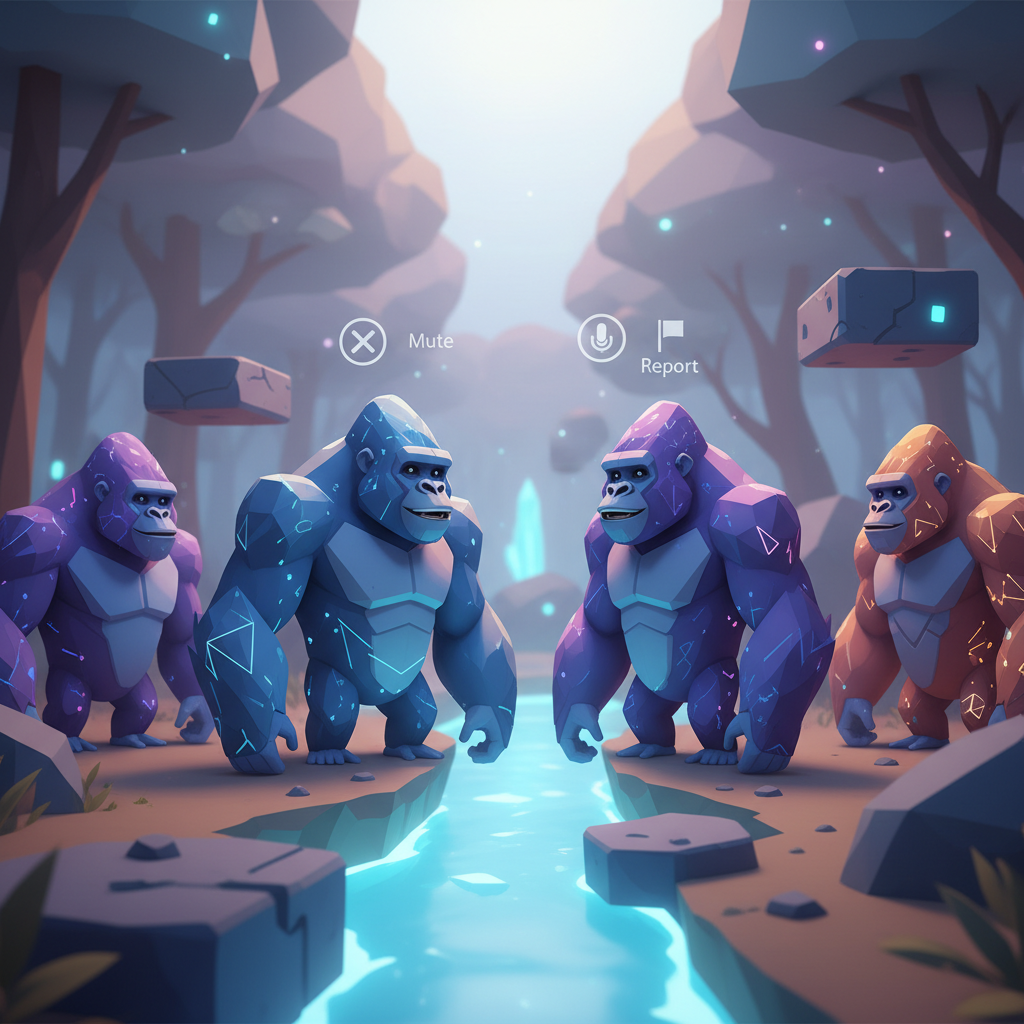
- Use mute early, if a lobby is spiraling, you don’t need to “win the argument.”
- Avoid identity-based jokes, they are the fastest route to a report that sticks.
- Keep it about the round, “nice tag” and “good chase” keeps you competitive without making it personal.
Play clean in public lobbies, experiment elsewhere
- Public lobbies: treat them as “camera on,” assume someone will report for any reason.
- Private lobbies: where you test settings, comfort options, and movement technique.
Respect boundaries with younger players
Many Gorilla Tag lobbies include kids, and moderation often takes that into account. If you feel yourself getting irritated, leaving the room is usually the smarter move than “teaching a lesson.”
Mods and custom content: what’s typically safer vs. what’s usually risky
People ask how to play gorilla tag without ban and secretly mean “how do I mod without consequences.” The honest answer is, modding always adds risk, but you can reduce it by understanding categories.
| Category | Typical Risk Level | Why it gets flagged | Safer approach |
|---|---|---|---|
| Cosmetic-only (client-side) | Lower (not zero) | Still may violate terms or trigger detection if bundled with loaders | Use only in approved contexts, avoid public matches if unsure |
| Movement/physics changes | High | Creates unfair advantage, obvious to players and mods | Don’t use in multiplayer, period |
| Information/ESP-like tools | Very high | Direct competitive advantage and easy report target | Avoid entirely |
| Unofficial builds / tampered game files | High | Integrity checks, anti-cheat, and ToS violations | Keep a clean install, verify files via your platform |
According to Steam, users are expected to follow the Steam Subscriber Agreement and game rules, and tampering with software can lead to enforcement actions depending on the title and the violation.
If you’re not 100% sure a mod is allowed in your scenario, the practical play is simple, assume it’s not safe for public matchmaking.

If you were warned, kicked, or banned: what to do next (without making it worse)
When something happens, most players rush into the worst possible next step, arguing in public channels or trying to “outsmart” enforcement. If your goal is how to play gorilla tag without ban long-term, slow down.
Do this first
- Stop the behavior immediately, even if you think the report was unfair.
- Remove questionable mods and return to a clean install before you rejoin public lobbies.
- Check for platform messages on Quest/Meta or Steam that explain the category of enforcement.
Appeal only if you can be specific
An appeal works best when you can describe what happened, what you changed, and why it won’t repeat. Long emotional messages typically don’t help.
Avoid ban evasion
If you are tempted to jump accounts, consider the downside, you may end up with a longer restriction, or a platform-level issue that affects other games too.
Key takeaways to stay unbanned while still having fun
- Public lobbies reward calm behavior, skill gets noticed, but drama gets reported.
- Mods add risk by default, especially anything that changes movement or information.
- Mute and leave are power moves, they keep your account safe and your mood intact.
- Keep your install clean when you care about stable access.
That’s the real answer to how to play gorilla tag without ban, treat your account like it matters, and play in a way that won’t look abusive, unfair, or suspicious to other players or moderation tools.
Conclusion: a safer way to keep playing without walking on eggshells
If you want fewer ban scares, pick one change you can commit to this week, either clean up voice chat habits or commit to a clean, no-mod public-lobby setup. Both reduce your risk fast, and neither ruins the fun.
If you’re unsure whether your setup crosses a line, keep it simple, test in private, and save public matches for clean play. That one habit prevents most “surprise” enforcement stories.