
How to parry in action games comes down to reading the attack, hitting the right input window, and staying calm when the screen gets loud.
If parrying feels random, you’re not alone, most players aren’t “bad at timing,” they’re missing a reliable cue. Sometimes it’s a wrist twitch on the enemy, sometimes it’s a sound, and sometimes it’s a tiny pause built into the animation that you can learn to recognize.
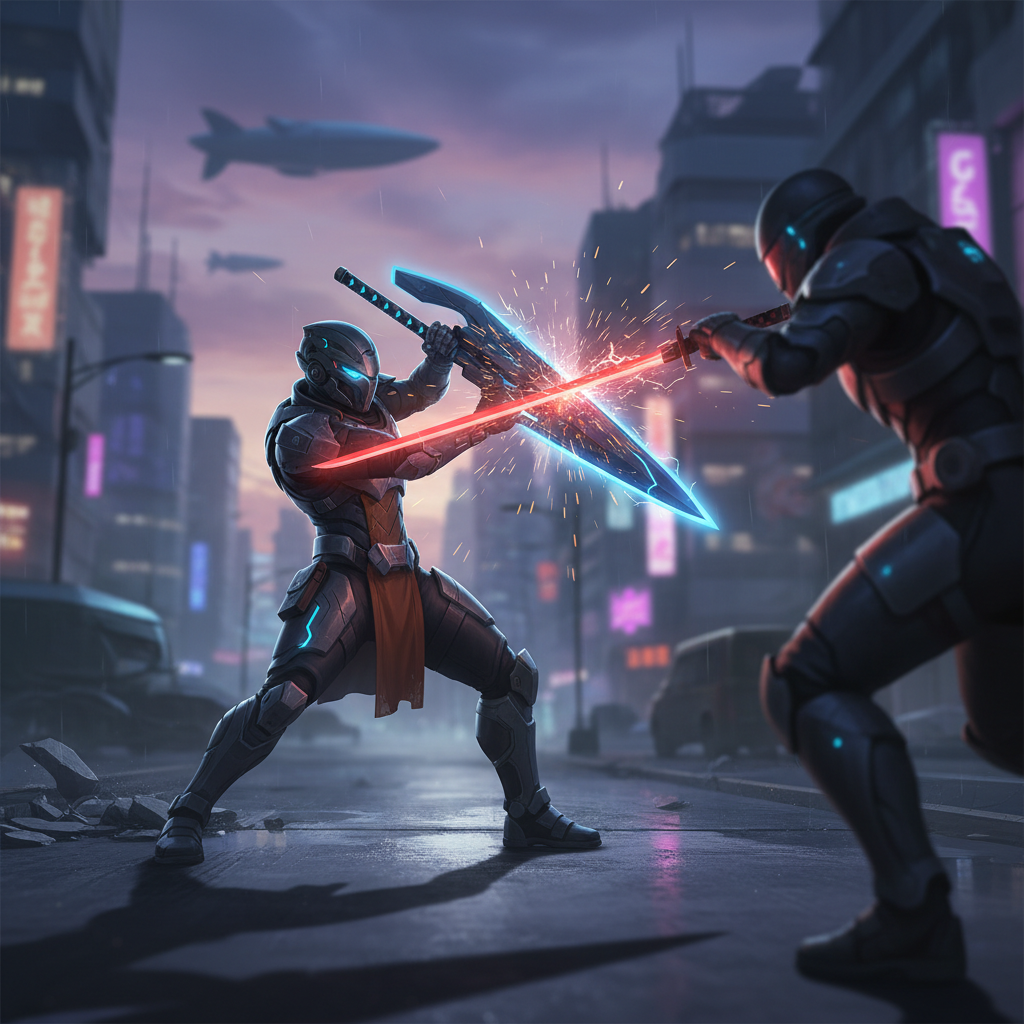
This guide gives you a practical way to build consistency, not just “press parry at the last second.” We’ll break down timing types, a quick self-check to diagnose what’s going wrong, and a set of drills you can run in almost any action game, from samurai duels to monster hunts.
What a “parry window” actually is (and why it feels unfair)
A parry is usually a defensive action that must occur inside a small timing window relative to an incoming hit. That window can be designed in different ways, and the “feel” changes a lot by game.
- Contact parry: you parry right as the weapon would connect.
- Startup parry: the parry activates quickly and stays active briefly.
- Late parry / perfect guard: you can guard early, but only a tight late moment counts as a parry.
- Rhythm parry: multi-hit strings reward steady cadence more than reaction.
Many “missed parries” are really one of these problems: you’re parrying on the wrong cue, you’re early because you panic, or your setup introduces input delay. According to NVIDIA (in its explanations of system latency and input lag), total latency is a chain from device to display, which is why the same timing can feel different across platforms and displays.
Timing cues: stop watching the weapon tip
Here’s the shift that helps most people: don’t chase the blade, read the attacker. Weapon tips blur, vary by distance, and can be deceptive with big effects.
Three cues that usually work better
- Shoulders/hips: the body commits before the weapon arrives, especially on sweeping attacks.
- Plant step: many enemies “step then swing,” that foot plant is your metronome.
- Audio snap: some games sync a sharp sound right before impact, great for consistency.
If a game uses red glints, sparks, or “unblockable” highlights, treat them as warning cues, not timing cues. The timing is often a beat after the flash, not on it.
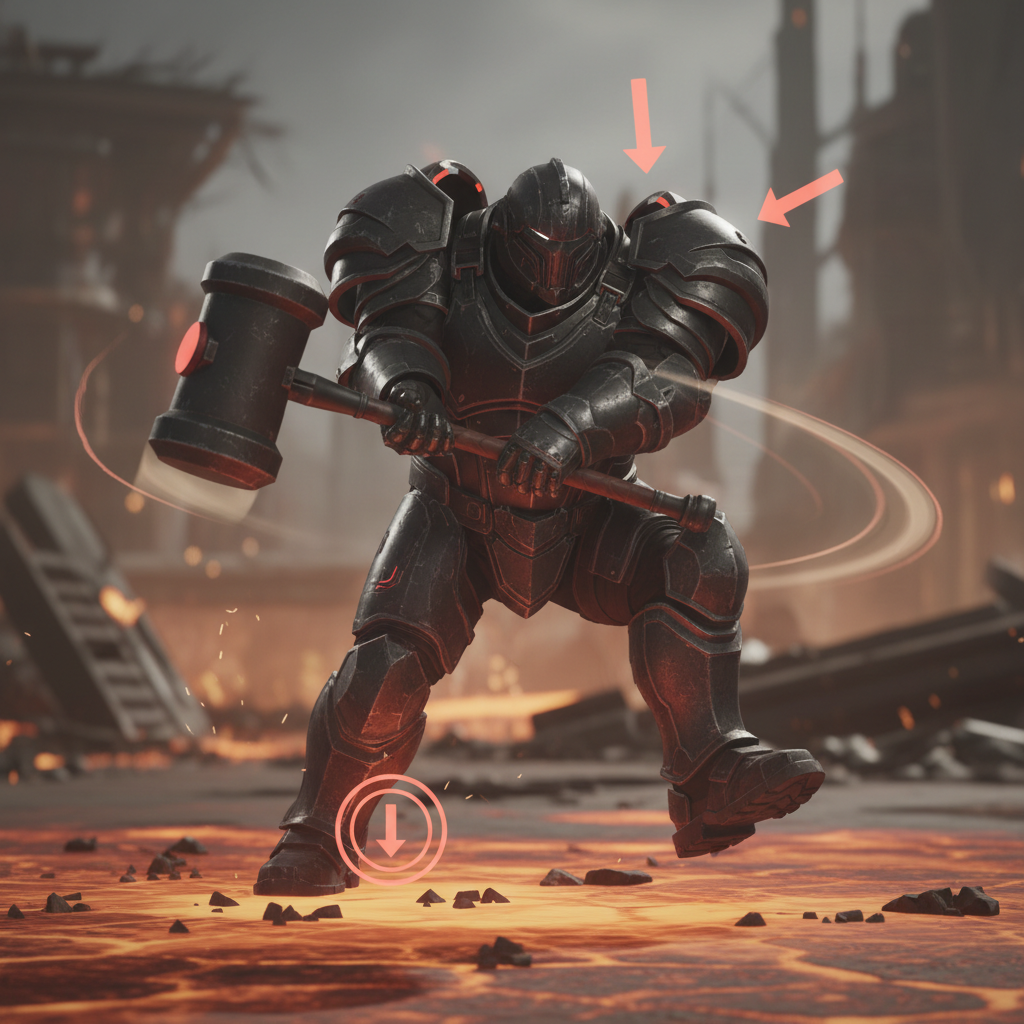
One more practical tip, reduce camera chaos. If you can, lock-on or keep the attacker centered so those body cues stay readable.
Quick self-check: why your parries miss
Before you grind practice, figure out which failure mode you’re in. Different fixes work for different misses.
- You parry early: you react to the wind-up, not the commit moment.
- You parry late: you wait for contact, but your input has startup frames.
- You parry “randomly”: your cue changes each attempt, so your timing never stabilizes.
- You parry, but still take damage: you may be in a “perfect guard” system and hitting regular block timing.
- You whiff the parry animation: distance or angle causes the hit to miss your parry hitbox.
If you can, record 10 attempts and watch in slow motion. You’re not looking for “faster hands,” you’re looking for a repeatable moment you can name: “when the elbow passes the rib,” “when the foot lands,” “when the sound clicks.”
Practice drills that work in most action games
The fastest way to improve how to parry in action games is to train consistency first, then speed. That means controlled reps, not chaotic fights.
Drill 1: Single move farming
- Find an enemy with a slow, repeatable attack.
- Stand at the same distance every time.
- Only parry that one move for 3–5 minutes.
When you miss, don’t “try harder,” adjust your cue. If you’re early, wait for a stronger body commit. If you’re late, parry on the audio cue or the step.
Drill 2: The “two-count” rhythm
- Say (out loud if you want): “one… two,” matching the wind-up to “one” and the hit to “two.”
- Press parry on “two,” not when you feel nervous.
This sounds goofy, but it turns panic reactions into timing. Rhythm beats adrenaline.
Drill 3: Buffer test (learn what the game accepts)
- Try parrying slightly earlier each attempt until it stops working.
- Then try slightly later until it stops working.
You’re mapping the parry window edges. Once you know the window, you can aim for the center instead of gambling at the last pixel.
Settings and setup: reduce “invisible” difficulty
Parry timing gets harder when your display or control setup adds delay. You don’t need a lab, just a few sensible checks.
- Enable Game Mode on TVs, it often reduces processing delay.
- Prefer wired controllers where possible, wireless can be fine, but issues vary.
- Check frame rate stability, dips can make timing feel inconsistent.
- Turn off heavy motion smoothing features on TVs.
According to PlayStation Support, TV picture processing settings can affect responsiveness, which is exactly the kind of “why do I miss everything today?” problem that shows up in parry-heavy games.
Parry timing cheat sheet (by common game feel)
Different systems want different mindsets. Use this table to pick an approach quickly.
| Game feel | What you should aim for | Best cue | Common mistake |
|---|---|---|---|
| Fast duels (tight parry) | Late, near-contact timing | Audio snap / body commit | Parrying on the flash |
| Shield “perfect guard” | Hold guard, tap late for perfect | Foot plant / impact cue | Dropping guard to parry |
| Big monster swings | Parry earlier than you think | Shoulders/hips rotation | Watching the weapon tip |
| Multi-hit strings | Find the rhythm, not reaction | Cadence of hits | Trying to “react” to each hit |
If your parry input shares a button with another action, like dodge or heavy attack, you may need to adjust your control scheme. Small remaps can remove accidental inputs that sabotage timing.
Common mistakes that keep you stuck
- Fishing for parries in full chaos: practice in controlled reps, then reintroduce pressure.
- Ignoring spacing: some attacks hit farther than they look, others whiff if you’re too close.
- Over-committing after a parry: many games punish greedy follow-ups, take the guaranteed damage first.
- Changing cues mid-fight: pick one cue per enemy move, stick with it until it works.
A sneaky one: you land a parry once, then start chasing that “feeling.” Treat it like a repeatable process instead, cue → press → confirm, no mysticism.
When it’s worth getting extra help (or switching tactics)
If you’ve practiced and it still feels impossible, it may not be you. Some games have extremely strict windows, accessibility limits, or online latency that changes timing. According to Xbox Support, network conditions can affect online play responsiveness, and in a parry system that can be the difference between “clean” and “why did I get hit?”
- If you play online, test parries offline or in training mode to compare feel.
- If hand pain shows up, take breaks and consider different control options, and if symptoms persist, it’s reasonable to consult a medical professional.
- If the game offers alternatives like dodge counters, guard counters, or posture damage routes, using those isn’t “cheating,” it’s adapting.
Key takeaways you can use today
- Use a cue you can name, shoulders, foot plant, or audio beat usually beats weapon-tip watching.
- Train one move at a time until your timing stabilizes, then add pressure.
- Map the window edges with early/late tests, aim for the center.
- Fix your setup if latency makes timing feel slippery.
Parrying isn’t magic, it’s pattern recognition plus a small window you can learn to hit. Pick one enemy, pick one attack, run focused reps, and you’ll feel your success rate climb without needing superhuman reactions.
If you want an immediate next step, go into a low-stakes area and commit to 30 parry attempts on one telegraphed move, then adjust your cue once, not ten times.
FAQ
How do I know if I’m parrying too early or too late?
If you get hit during your parry animation, you’re usually early and your active window ends before impact. If your parry never seems to “come out” in time, you’re often late or the parry has startup frames you aren’t accounting for.
Is it better to parry on reaction or prediction?
In many action games it’s a mix, you react to a known cue, but you’re also predicting the follow-through because you’ve seen the move before. Pure reaction tends to fail once attacks speed up.
Why does parry timing feel different on my TV than on my monitor?
TVs often add processing delay unless Game Mode is enabled, and that can shift timing enough to feel “off.” If you’re learning how to parry in action games, a low-latency display setup makes practice more consistent.
Do frame rate drops really affect parries?
They can, especially in games where timing is tied to frames or where stutter disrupts your cue recognition. Stable performance usually matters more than ultra-high settings.
Should I hold block and tap parry, or tap only?
Depends on the system. “Perfect guard” designs often reward holding guard for safety and tapping late for the perfect version, while dedicated parry moves may require a clean tap with no guard state.
How long does it take to get consistent?
Many players feel a difference within a few focused sessions if they practice one move at a time, but consistency across new enemies takes longer. The key is building a repeatable cue, not grinding mindlessly.
What if the game has unblockables or feints?
Then parry becomes a selective tool, not your default defense. Use movement, spacing, or dodges for the mix-ups, and save parries for the moves with reliable tells.
If you’re trying to build parry consistency and want a more structured routine, set up a simple weekly drill plan in your notes, one enemy, one move, one cue, and a quick review of misses, it keeps practice from turning into frustration.