
Best quest 3 battery life tips come down to two things most people overlook: cutting steady background drain, and avoiding the heat + brightness combo that makes the headset work harder than it needs to.
If your Quest 3 feels like it dies “too fast,” you’re probably not imagining it, VR battery life is highly sensitive to how you play, what you run, and even the room temperature. The good news is you can usually add meaningful time without buying anything.
I’ll walk through the biggest drains, a quick self-check to figure out what’s hurting you most, then practical settings, habits, and accessory choices that tend to make the difference in real-world use.
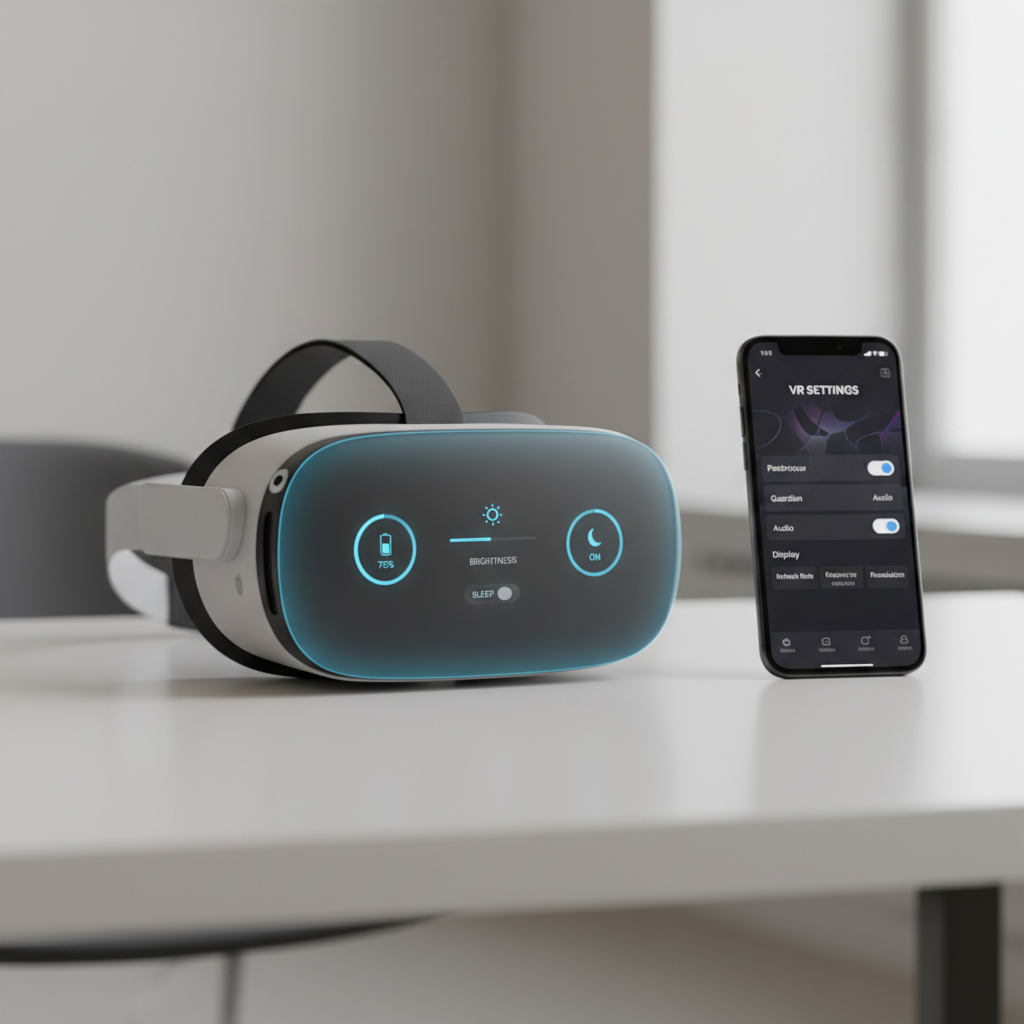
What usually drains Quest 3 battery the fastest
The Quest 3 battery is doing more than powering a screen, it runs tracking cameras, sensors, Wi‑Fi, audio, and a mobile chipset that ramps up and down constantly. In many cases, the “big drain” is a stack of smaller drains.
- High brightness + loud volume: both raise power draw, brightness also increases heat which can reduce efficiency.
- Mixed Reality passthrough: processing camera feeds tends to be heavier than fully virtual scenes.
- Wi‑Fi behavior: weak signal, busy networks, and downloading updates in the background can nibble away at runtime.
- Performance-heavy apps: higher refresh rates and detailed scenes keep the GPU busy.
- Thermal stress: warm rooms, sun exposure, blocked vents, or a thick facial interface can push the headset to work harder.
According to Meta, following official charging and battery care guidance helps protect battery health over time, so some “battery tips” are really about preventing long-term capacity loss, not just stretching tonight’s session.
A quick self-check: which battery problem do you actually have?
Before changing ten settings, get clear on the pattern. The fix differs if your battery drops steadily, or if it falls off a cliff after a certain point.
Fast checklist
- Drain is fast even in the Home environment: brightness, Wi‑Fi, background updates, or a battery that needs a health reality check.
- Drain is “normal” in VR, but awful in Mixed Reality: MR workload is likely the main driver.
- Battery percentage jumps or feels inconsistent: calibration quirks or temperature swings, sometimes after firmware updates.
- Headset gets hot near the front: heat management and airflow matter more than small setting tweaks.
- Only specific games kill it: the app’s performance profile, refresh rate, and rendering load are your target.
If you want a simple baseline test, run 15 minutes in the Home environment at a fixed brightness, then 15 minutes in your most-used app. The difference usually tells you where to focus.
Settings that extend play time (without making VR feel awful)
These are the best quest 3 battery life tips for most people because they trade very little comfort for meaningful runtime.
Start with these “high impact, low regret” changes
- Lower brightness to the lowest level you still enjoy, many users can drop it a notch or two and forget about it.
- Reduce volume and use efficient headphones if you tend to play loud.
- Shorten auto-sleep so the headset doesn’t sit awake on your desk between sessions.
- Turn off features you don’t use during a session, like mic, hand tracking, or Bluetooth, if you’re not relying on them.
For people who live in Mixed Reality
- Prefer VR mode when MR isn’t adding value, even short MR sections can shorten the total session.
- Keep the room cooler and evenly lit, extreme lighting can make camera processing work harder.
One reality check: some settings vary by app, so a global tweak might not apply everywhere. If your favorite title forces a high refresh mode, you’ll feel that in runtime.
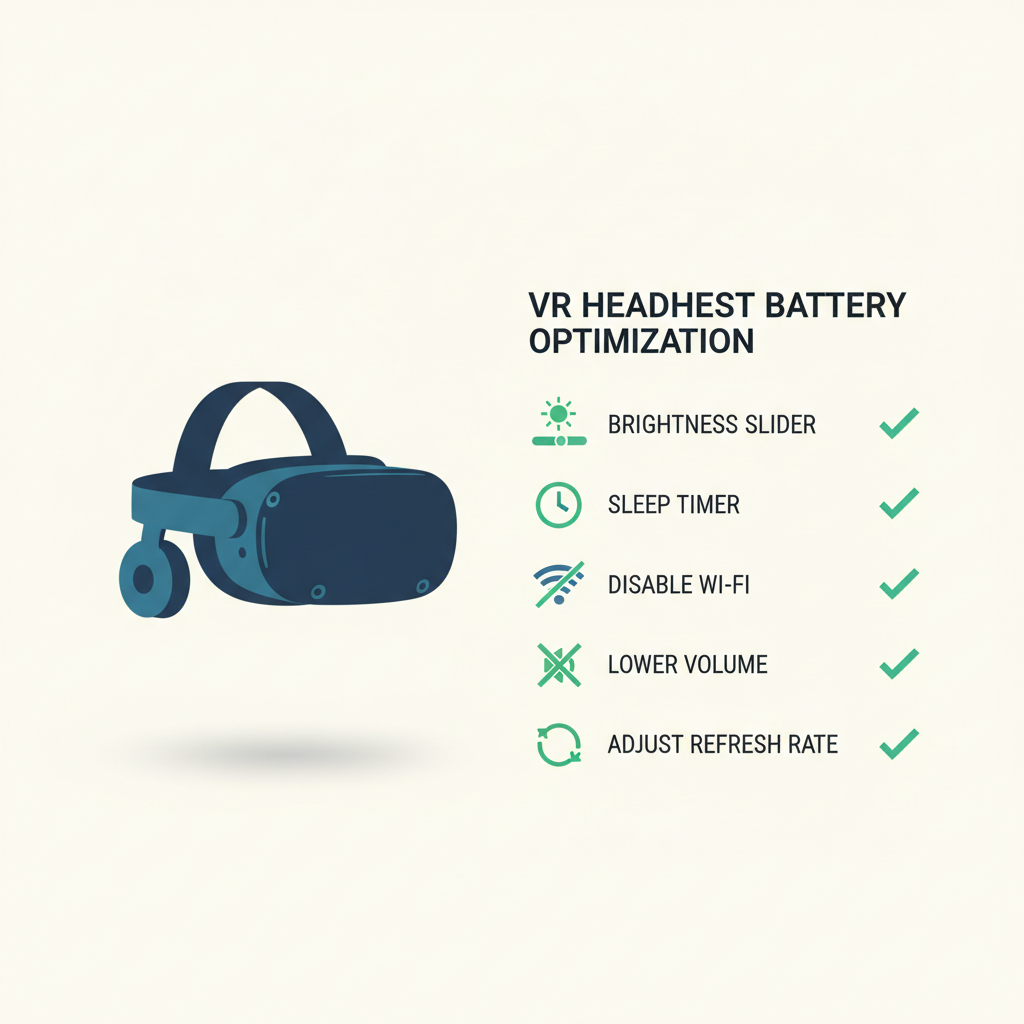
Network and background drain: the hidden battery leak
A lot of “my battery is terrible” reports end up being network behavior: updates, cloud sync, or a weak signal keeping the radio busy. It’s boring, but it matters.
- Install updates intentionally: plug in, update, then play, instead of letting downloads happen during your first 20 minutes.
- Improve Wi‑Fi signal: play closer to the router or use a less congested band when possible.
- Avoid tethering to a weak hotspot for long sessions, the headset can spend extra power maintaining connection.
According to the FCC, wireless devices must meet specific radio compliance requirements, but those rules do not guarantee consistent efficiency in every home environment, signal quality still changes power use a lot.
Charging habits that help battery health (and what to avoid)
Battery “life” can mean two things: runtime per charge and capacity over months. If you want both, charging habits matter, but not in a superstitious way.
Practical habits that usually work well
- Use reputable chargers and cables that can supply stable power, flaky cables cause slow charging and extra heat.
- Let the headset cool before charging if it feels warm, heat is the enemy of long-term capacity.
- Don’t store it dead for long periods, if you won’t use it for weeks, a partial charge is typically kinder than 0%.
Common myths worth dropping
- “Always charge to 100% and leave it plugged in forever.” In practice, long time at full charge plus heat can be rough on many lithium batteries, patterns vary by device and firmware.
- “You must fully drain it to calibrate.” Deep cycles are not usually necessary for lithium batteries, and frequent deep drains can add wear.
According to Apple’s battery guidance for lithium‑ion devices, heat and aging affect capacity, while charging patterns can influence wear. Quest 3 isn’t an iPhone, but the battery chemistry principles are similar.
Accessories: when spending money actually makes sense
You can optimize settings all day and still run into physics. If you regularly play long sessions, accessories can be the cleanest solution, but pick the right type.
What tends to help most
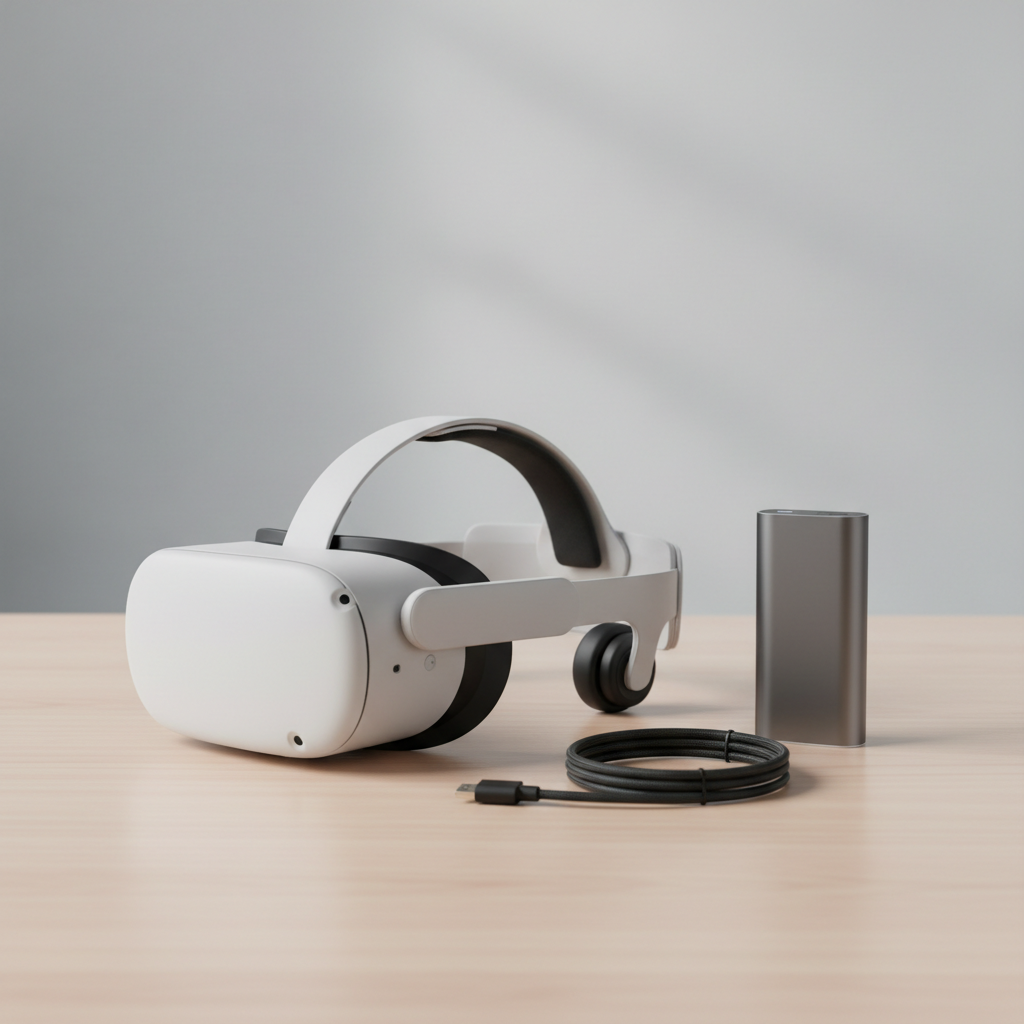
- Battery head strap: better balance plus more runtime, usually the most seamless feel.
- Quality power bank in a pocket: flexible and cheaper, but cable management matters.
- Right-angle USB-C cable: reduces strain and accidental unplugging.
Quick comparison table
| Option | Best for | Pros | Tradeoffs |
|---|---|---|---|
| Battery head strap | Frequent long sessions | Clean setup, better weight balance | Higher cost, extra charging routine |
| Power bank + cable | Occasional marathon play | Affordable, works with other devices | Cable can tug, pocket heat/comfort |
| Spare headset charging breaks | Casual play | No extra gear | Interruptions, not ideal for events |
Safety note: if you use a power bank, avoid cheap no-name packs, watch for swelling, and stop using anything that gets unusually hot. If you’re unsure, it’s reasonable to consult the manufacturer or a qualified technician.
A simple 10-minute “battery boost” routine before you play
If you only do one thing, do this. It’s quick, and it captures most of the best quest 3 battery life tips without turning setup into a hobby.
- Check brightness and drop it one step.
- Confirm sleep settings so the headset doesn’t stay awake after you set it down.
- Close apps you don’t need, then restart if the headset has been on for days.
- Update while charging, not while playing.
- Cool, clear airflow: wipe lenses, ensure vents aren’t blocked, avoid direct sun.
This routine sounds basic, but it prevents the classic situation where you start a game, the headset is already warm, and Wi‑Fi starts pulling an update in the background.
Key takeaways and next steps
Most Quest 3 battery frustration comes from a few repeat offenders: brightness, Mixed Reality load, background network activity, and heat. Tighten those up, then consider an external battery only if your play style truly needs it.
- Tonight: lower brightness, shorten auto-sleep, update while charging.
- This week: test VR vs MR drain, improve Wi‑Fi reliability, decide whether a strap battery or power bank fits your routine.
If you want, keep a simple note of percent drop over 30 minutes in your top two apps. That small baseline makes future tweaks feel less like guesswork.
FAQ
Why does my Quest 3 battery drain fast even when I’m not playing?
Usually it’s sleep behavior, background updates, or Wi‑Fi staying active. Shortening the sleep timer and installing updates while plugged in often helps more than people expect.
Do Mixed Reality apps drain more than VR games?
Many MR experiences can draw more power because the headset processes camera passthrough while rendering content. If MR isn’t essential for that session, switching to VR mode may extend runtime.
Is it okay to play while charging?
Often it works, but heat can build up and comfort can suffer. If you do it, use a reputable charger or power bank and stop if anything feels unusually hot.
What brightness level is “best” for battery?
There’s no universal number, but dropping one or two steps from your default is a common sweet spot. The goal is “as low as comfortable,” not “as dim as possible.”
Will lowering refresh rate improve battery life?
In many cases, yes, because it can reduce rendering workload. The tradeoff is motion clarity, so it’s worth testing per game rather than forcing one setting everywhere.
Can a firmware update change battery life?
It can, sometimes updates change performance tuning or background tasks. If you notice a sudden shift, test in the Home environment first and check whether updates or reindexing are running.
How do I know if my battery is “bad” versus normal VR drain?
If drain is extreme even in the Home screen at moderate brightness, or if the headset shuts down unexpectedly at a high percentage, it may be worth contacting Meta support for troubleshooting steps.
If you’re trying to choose between a battery head strap and a power bank setup, or you want a simpler “set it and forget it” configuration, it can help to map your typical session length and the apps you actually run, then buy only what matches that routine.